

I had seen these roles in various instances, but never dug into the new Fixed Server roles added to SQL Server. They are supposed to help ensure the principle of least privilege is followed.
In this post, I look at one of these, the ##MSDatabaseConnector## role.
Another post for me that is simple and hopefully serves as an example for people trying to get blogging as #SQLNewBloggers.
Users and Logins
This role is a new one that contains very narrow permissions. It allows a login to connect to any database without requiring a user account mapping. Typically if I create a login for “Steve”, I also create a User in a database that maps here. The convention for most people is to create a user “Steve” that links to the login “Steve”. Typically this is with code like:
CREATE LOGIN [Steve]
WITH PASSWORD = N'asdfasdf' MUST_CHANGE,
     DEFAULT_DATABASE = [master],
     CHECK_EXPIRATION = ON,
     CHECK_POLICY = ON;
GO
USE [sandbox];
GO
USE [Westwind];
GO
USE [AdventureWorks];
GO
CREATE USER [Steve] FOR LOGIN [Steve];
NOTE: This isn’t the real password.
Note 2: Don’t use passwords like this
NOTE 3: Don’t skip the checks.
Here I am mapping a user to a login, and while the name is the same, these are different objects. If I want the user, Steve, to have access to objects in AdventureWorks, I need to grant rights, or add the user to a Role.
I could also do this:
USE [sandbox] GO CREATE USER [Stephan] FOR LOGIN [Steve] GO
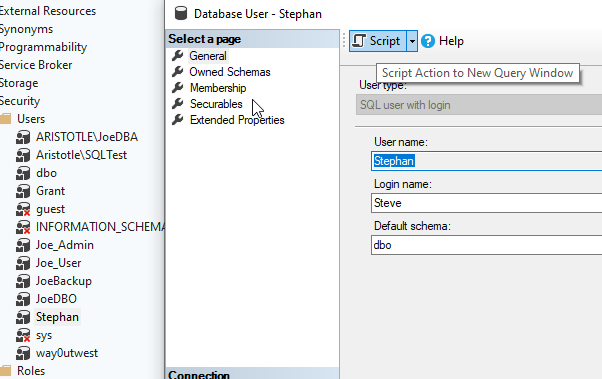
In the Sandbox database, there is no User Steve. Instead, you can see below from SSMS that there is a different user here. My database has no “Steve” in the users, but “Stephan” is mapped to the login Steve.
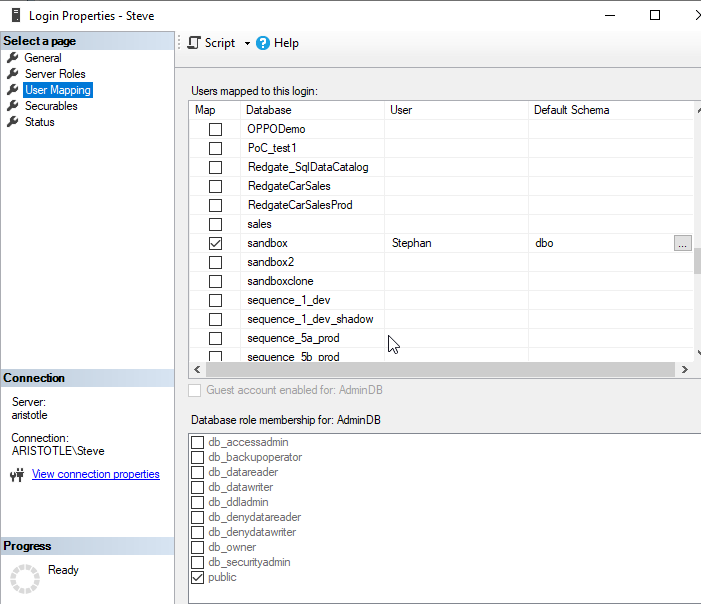
The Login properties shows this as well.
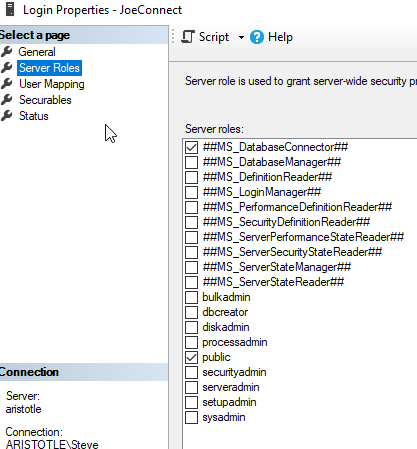
I added a new user with this fixed server role, and no other database mappings. Here is the server role:
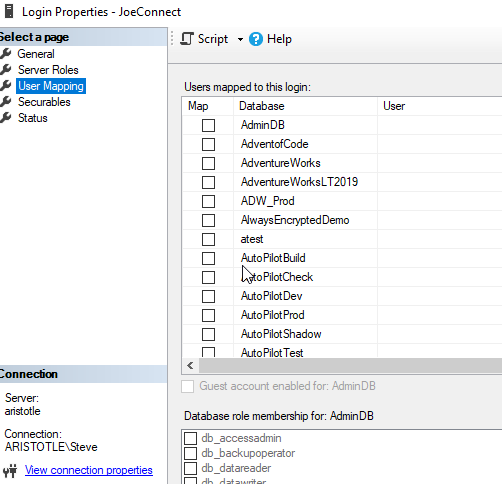
And the user mappings (trust me these are all blank)
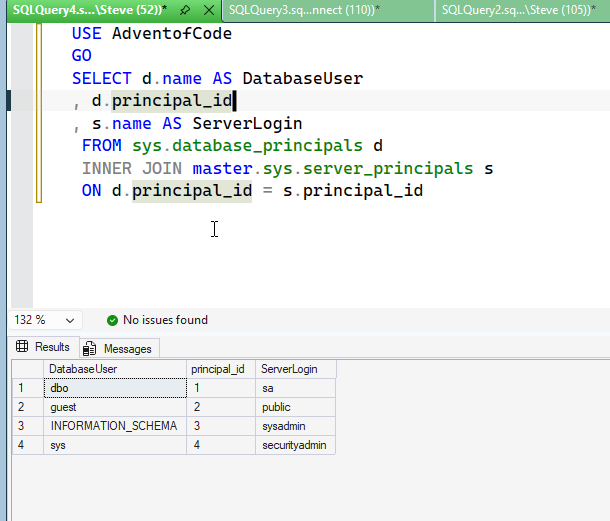
I then logged in with this user to the AdventofCode database. As you can see, there are no users here for this login.
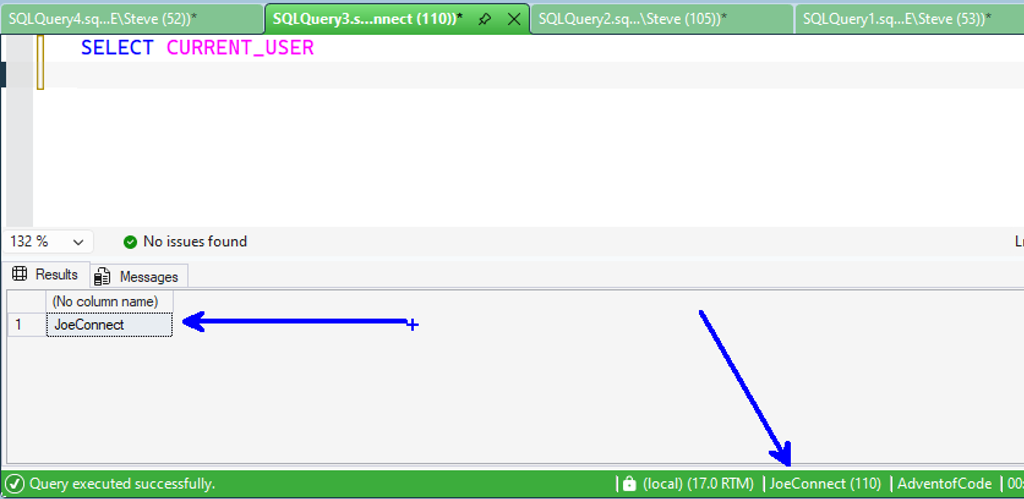
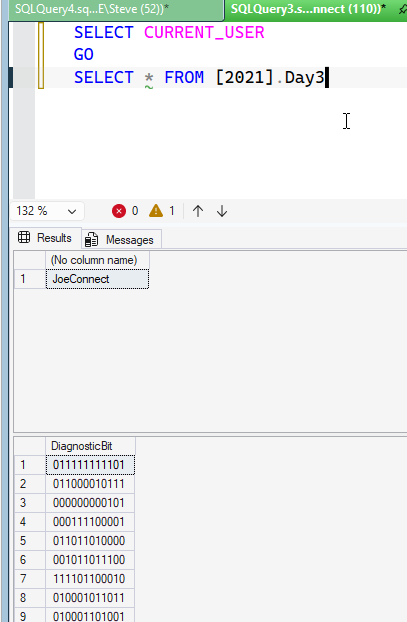
The login can connect, however, and I see the current user as the login name.
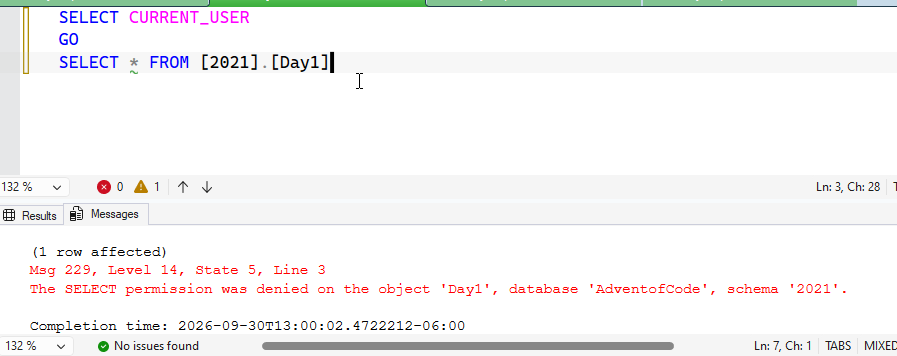
What can the user do? Well, he can’t access this table, 2021.Day1.
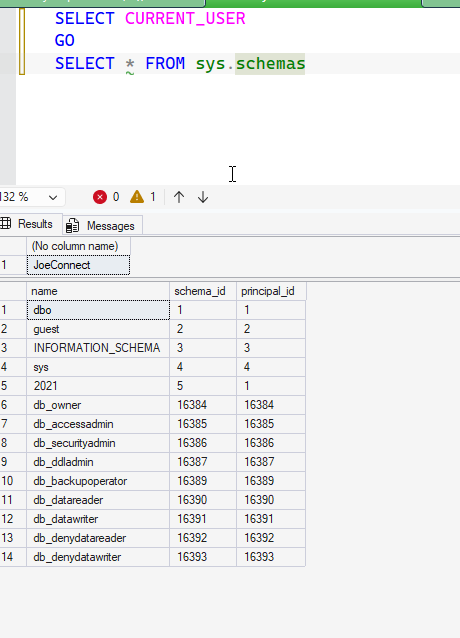
He can access schemas, which I saw with SQL Prompt Intellisense. That makes sense as the sys.schemas dmv is open to the public.
I granted rights to public for one table.
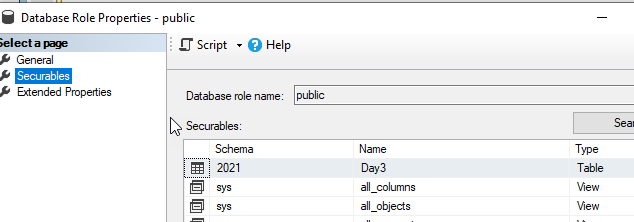
The login (or user with public) can query this.
If I check permissions for the login, I don’t see anything in the database other than basic things: connect, view CEK, view DMK.
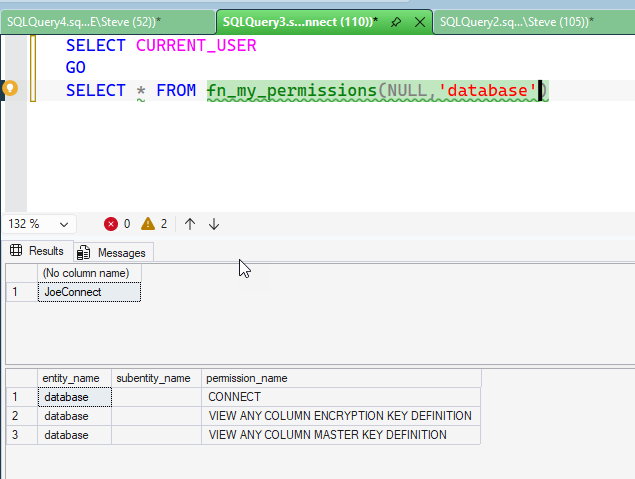
This is interesting. It’s like a pseudo-user has been created for this session, mapped to the login. I’m not sure if this is correct or intended, but it’s what I’ve observed.
I don’t know how useful this permission is, though I’m sure someone has a use case where they want something like a monitoring system, or maybe a pen-test available to check what a public user can see in every database.
SQL New Blogger
While I was investigating this role, over the course of testing a few things in 10-15 minutes, I sketched this post. I then spent another 20 minutes capturing some code and screenshots to see how things work.
This is a good post of evaluating how things work and better understanding the system. I could use this as guidance, and perhaps tell an AI whether this role is useful or not. Or to avoid it.
Write your own post, maybe even using AI to help you learn about this role or others. Those skills will help you in the future and you can showcase them for others.


Leave a Reply