

As part of my learning goals for 2018, I wanted to work through various books. This is part of my series on Pro SQL Server on Linux from Bob Ward.
I had an Ubuntu VM setup at home, but it started to flake and eventually stopped responding as a desktop. Since I’m not a Linux expert, I wasn’t sure what to do and really didn’t think it was worth debugging a broken Linux OS. Instead, I moved on.
In the book, Bob uses Red Hat Linux, so I downloaded RHEL and installed it, after going through the process of joining the Red Hat Developer network. If I don’t do this, I only get a 30 day trial, which I didn’t want. I get the process, and understand them making money.
For a lab, it was a pain. This made me want to go back and just get Ubuntu.
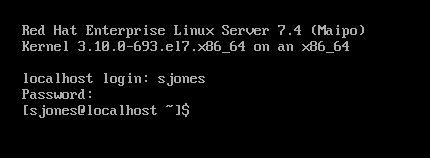
In following the install instructions, I started with getting the Microsoft registry set up. I got an error when downloading the repo file.
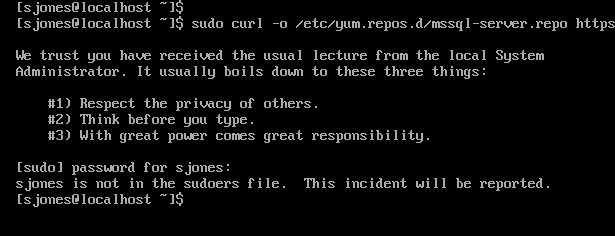
From this link, I added my user with
usermod –aG wheel sjones

Had to change the network to bridged in VMWare. Not sure why, but this is how I have a few VMs set, so I just matched this.
Subscription
I needed to attach my subscription. I started by registering, which was fun. I had to go back to the Red Hat portal, log off and back on.

Then dependency errors. Isn’t yum supposed to resolve this?

The key is that I wasn’t getting updates. I had to run
subscription-manager attach –auto
which linked my system to the update system. I can see how Red Hat makes money. This feels as onerous as Windows for management and product key matching. In any case, this allowed the install to proceed:
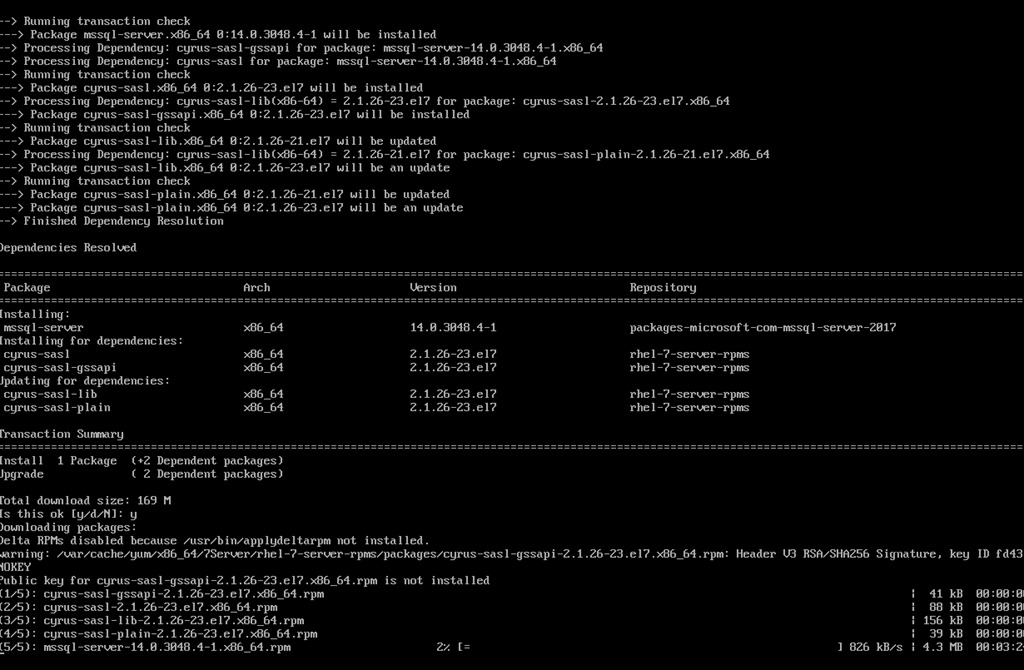
Eventually this completes, which is a welcome sight.
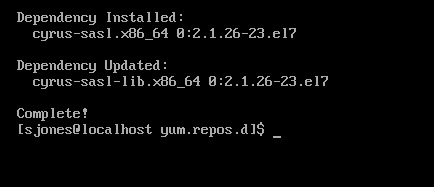
One note, when trying to get the dependencies, I removed the –y option for the install. Once things worked, I had to answer “y” to a lot of questions, so you’ll want that enabled.
Configuration
The next step is to configure your instance. I started this, but it didn’t quite work.
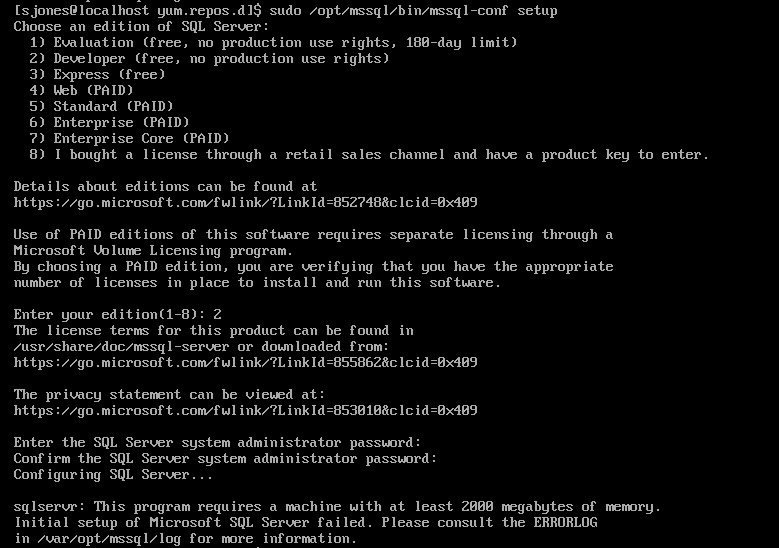
If you look, you’ll see the failure message is that we need 2000MB (2GB) of memory. The VM has 2048, but that’s not enough. I reset this to 3072MB and the config worked.

Validating the Install
From the book, the first step is to check the service.

The the process.
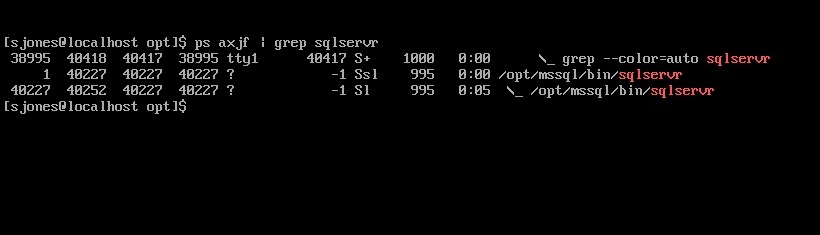
That’s good, so I followed instructions to install tools. This ran off the screen, so I didn’t bother capturing a screenshot, but it worked according to instructions.
Next, connect to SQL Server and check the version.

Tada. Well, not that exciting. The process was more annoying than I expected or remembered, but most of that appears to be RHEL more than SQL Server.
However, this was a nice test and project, with no GUI on the system. Looking forward to doing more with this across the month.


Comments
2 responses to “Pro SQL Server on Linux–Install”
One of your best technical posts in a long time. Thank you!
LikeLike
Glad you liked it
LikeLike