

Another post for me that is simple and hopefully serves as an example for people trying to get blogging as #SQLNewBloggers. This is also a part of a basic series on git and how to use it.
One of the things you’ll run into at times is the need to keep some scratch files, or extra files, in your Git repository, but not track them. One common type of file for me when working with SQL is a .zip file. I may zip up code to share or copy to a friend (without giving repo access).
Ignoring files is easy in Git. We just add a .gitignore file. This is a list of files that the git repository will not track or show in status. Essentially, we see them in our file system, but git doesn’t.
Creating .gitignore
To create a .gitignore file, the easiest method for me is to just create a text file. I can do it like this:
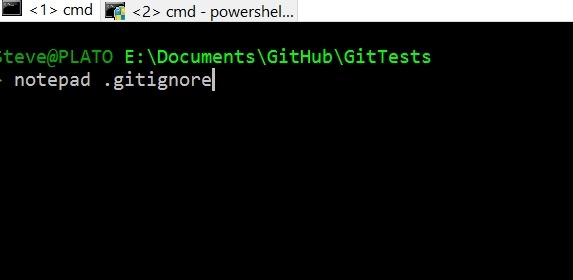
This gives me a new file. Certainly VS Code, Sublime, etc. will make this easy as well. The format is simple, with a list of files and/or patterns to ignore. For example, I’ve got a .zip file in my repo.
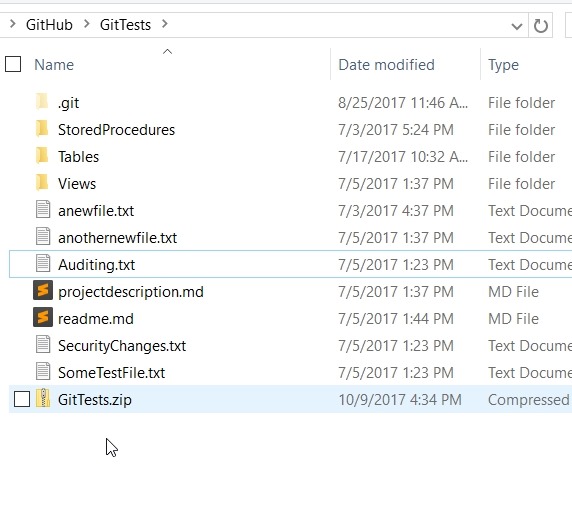
I don’t want to see this, but I do right now:
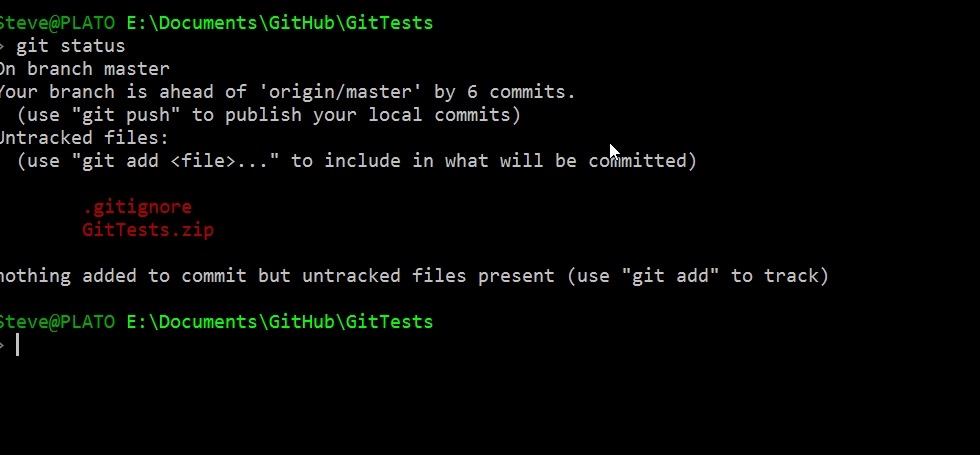
If I want to ignore this file, I’ll enter this in my .gitignore file:
GitTests.zip
If I want to ignore all zips, I’ll do this:
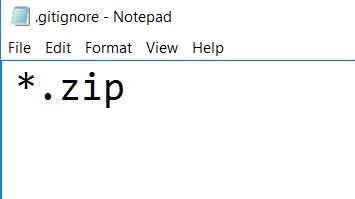
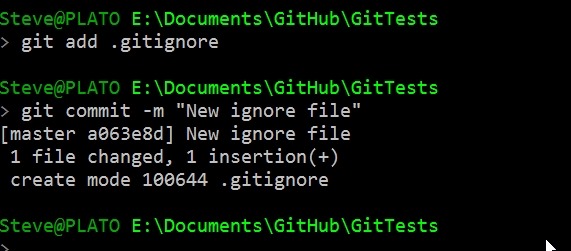
This is a part of my repo, so I need to commit it.
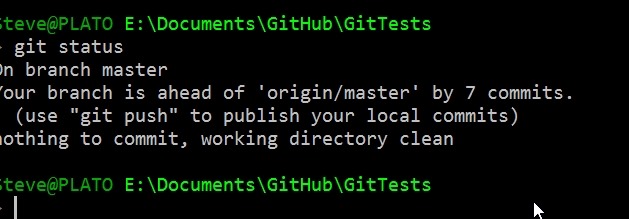
Now my status is clean.
Generated .gitignore
Some applications will generate a .gitignore. For example, my C# project gets this file from Visual Studio.

That’s a subset of files that are often in a VS project, but we don’t want to track in a VCS. Images, archives, executables, etc.
You can customize this as you need, and it’s easy to just edit the text file and commit the changes.
Hopefully this helps you understand how to best work with git and keep your repo clean. This also means your git add –all is easy to use without adding unnecessary files.


 Voice of the DBA
Comments
One response to “DevOps Basics – Ignoring Files in Git”
I came across this repo on Github some time back and it’s quite useful. I’ve had to tweak the VS template a little bit along the way to allow Publish.xml files – SSDT tends to use that for their publish profiles, but other than that the templates work pretty well. Useful if you just want to start w/ a decent .gitignore file without worrying about messing it up. Very useful to ignore the user-specific files that VS creates and not upload those to your repos. 🙂
https://github.com/github/gitignore
LikeLike