Us geeks are supposed to love space, right? Science Fiction? The Moon is a Harsh Mistress? Star Trek/Star Wars/Lost in Space? The desire to travel throughout the universe?
I know I wanted to get off this planet at some point. I’m sure I hoped there would be a way to leave the Earth, hopefully as smoothly as they do in Red Thunder. I don’t see that coming anytime soon: no anti-gravity, no teleporters, no space elevators. Just heavy thrust rockets.
At this point in my life, I’m not interested. Even when we ran the DBA in Space campaign, that wasn’t something I’d have chosen to do.
I’m in Cambridge, UK this week for the internal Global Marketing Week and Level Up Conference. This is my first visit to Cambridge in 2023, and we have a new office. The old one is literally next door, but after the pandemic, it was too large a space for us. We renovated a smaller building and moved in a few months ago.
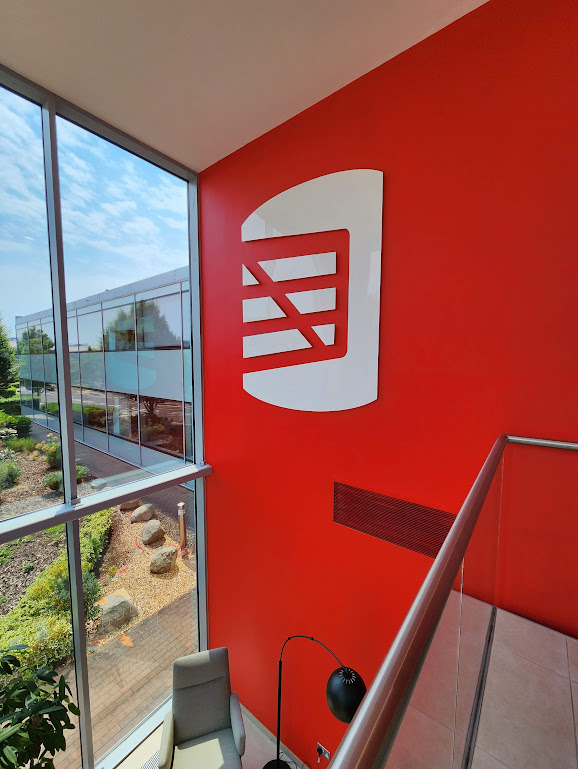
I wasn’t sure if I walked to the right building, but I saw the smaller logo above the door. We had a large sign on near the roof of the other building that was visible from quite a distance. I had to enter the smaller car park to see this one.
There’s a smaller foyer, and all the doors are automatic. I hadn’t been set up with a key, so I actually waited outside for someone to let me know. The entrance, and inner doors to office spaces are all locked with card or phone access. I was pleasantly surprised how easy it was to activate my phone and get access. True self-service with an app and SSO (Single-sign on). Technology is amazing.
I downloaded an app, signed in with SSO and clicked a clink. Then walked outside and here is me entering the outer door.
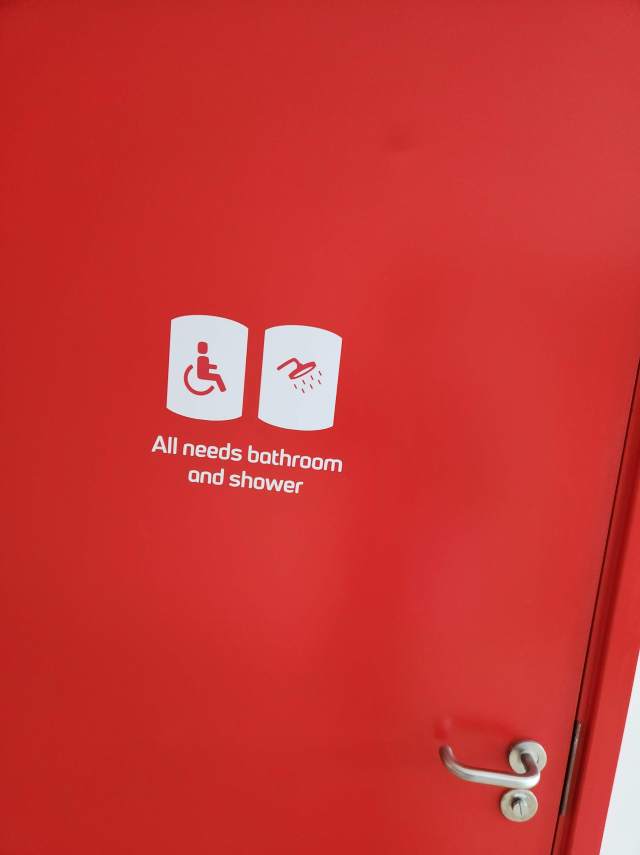
Here are the inner doors, which protect everything but the bathroom and shower (and guitars).
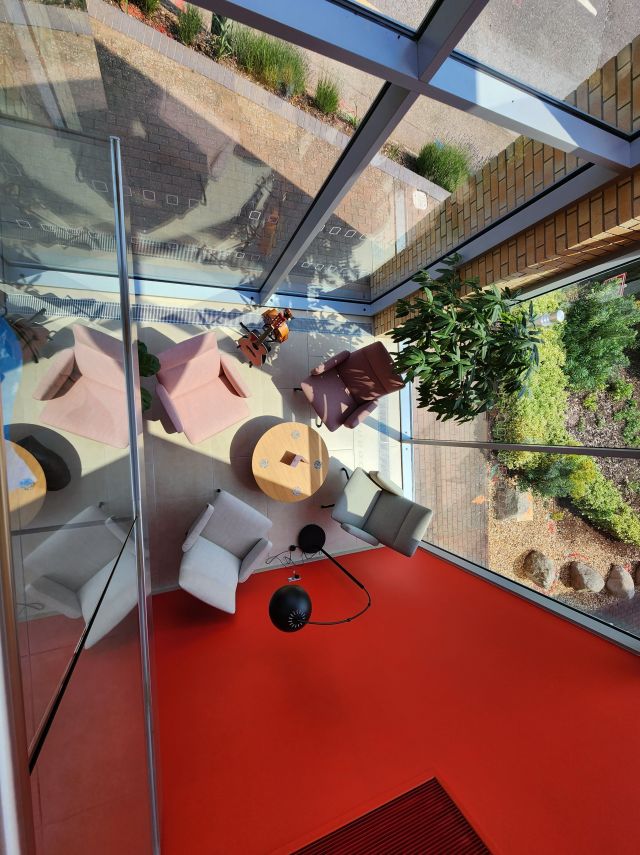
Speaking of the guitars, there’s a small foyer below the stairs. It’s not trafficked, and I find it was relaxing place to take 5 or 10 minutes a few times a day to play and chill out. There’s a nice view of the garden outside the office.
Everything is new. It’s neat to see all the decorations around, with imagery and plants. The view is of a business park, but it’s nice to see plants and trees around.
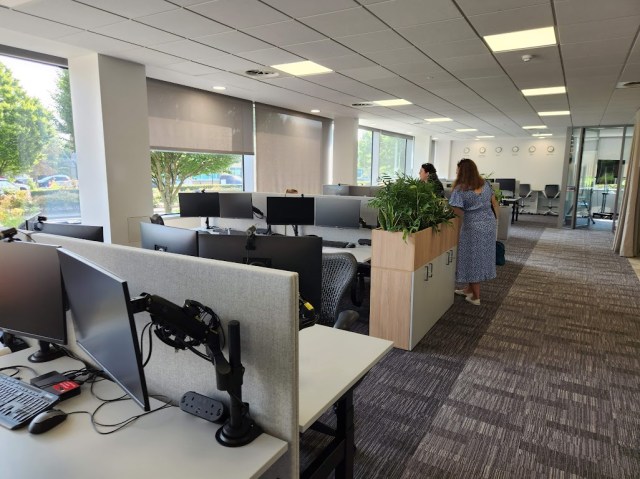
The spaces are mostly the same, all rising desks with two monitors. We use an app called Envoy to sign into the office and book a desk. Very few people have reserved desks, since only a few people are in 4-5 days a week. Most people seem to come in 1-2 times a week or less frequently. I think everyone comes in at least twice a month.
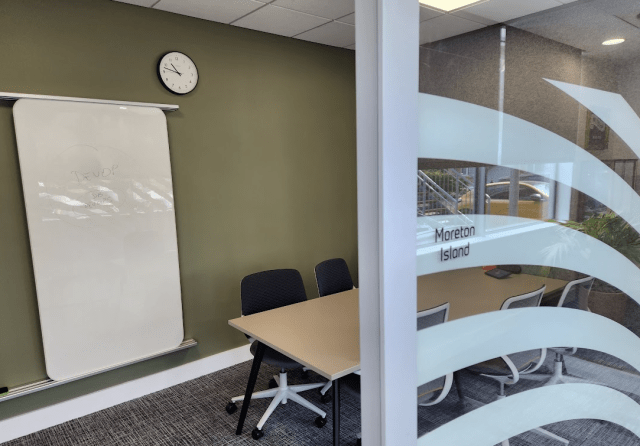
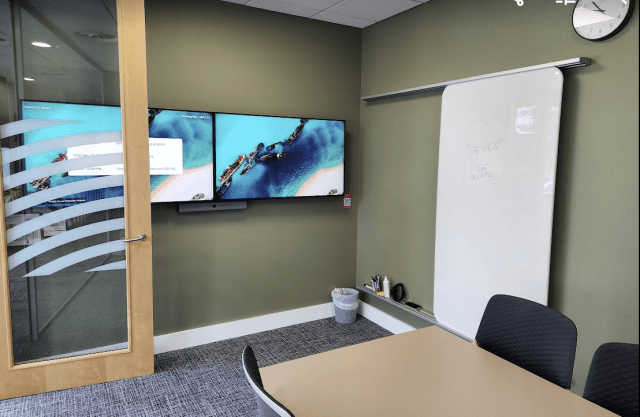
The conference rooms are all new and themed. Each has a name outside, with a default image that reflects the name. For example, the outside of Moreton Island looks like this.
It’s one of our smaller 4-6 person sized rooms. Inside, we see the default images of the island, which I was told were taken by someone at Redgate.
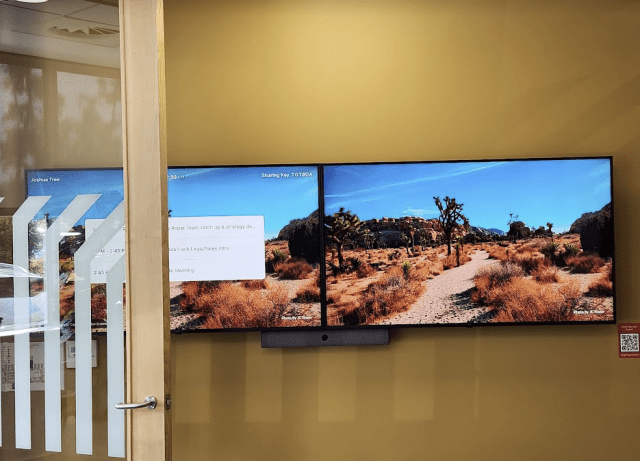
Grant and I were in the Joshua Tree room for a meeting as well, with some great images.
There’s also a small Zoom device in each room. If you look above, there’s a “sharing key” on each the left monitor. This links to Zoom. There is the room schedule on this device, and you can start a meeting from here, so you don’t need a laptop.
What is really cool, however, is that you can just run the Zoom app on your laptop or phone and select “Share” and it will start a meeting and let you share your screen. I was able to show a few pictures and videos from my mobile phone on the monitors. Very handy.
We have a mix of large closed conference rooms, for privacy, like Titan below.
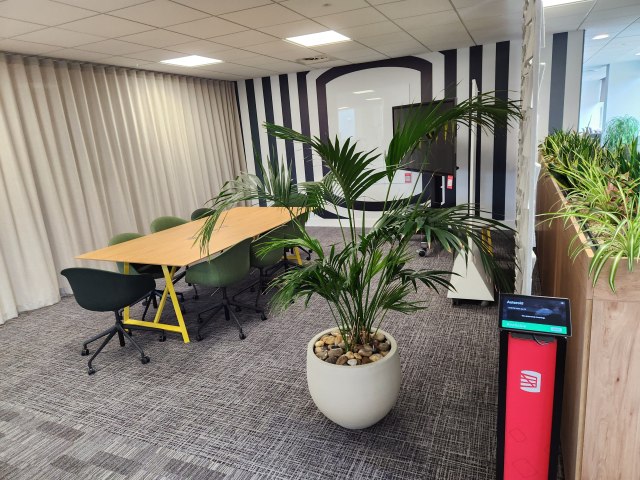
We also have open ones, which are closed off by curtains, which means we can combine a few for a very large space if needed. Notice the Zoom device on a podium on the right side.
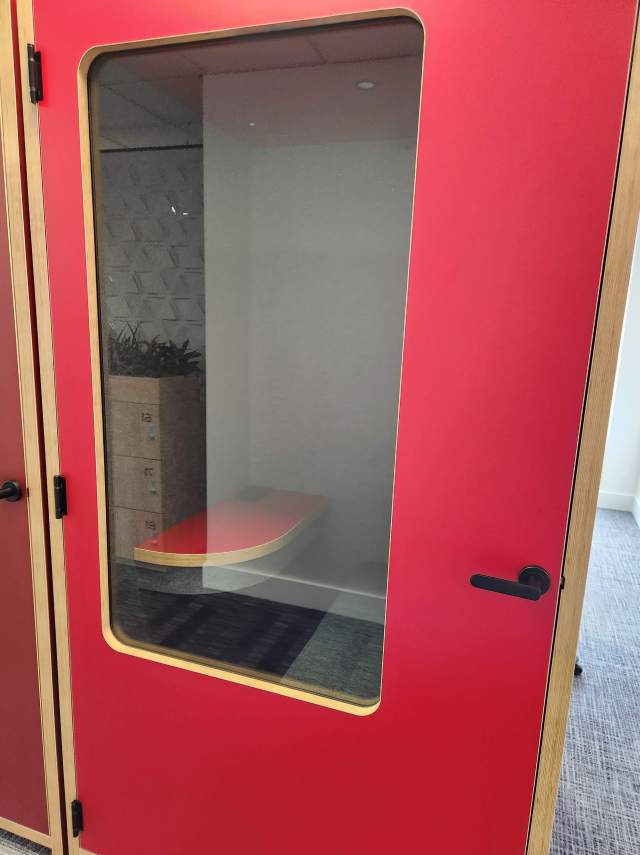
We also have pods. Small, single ones:
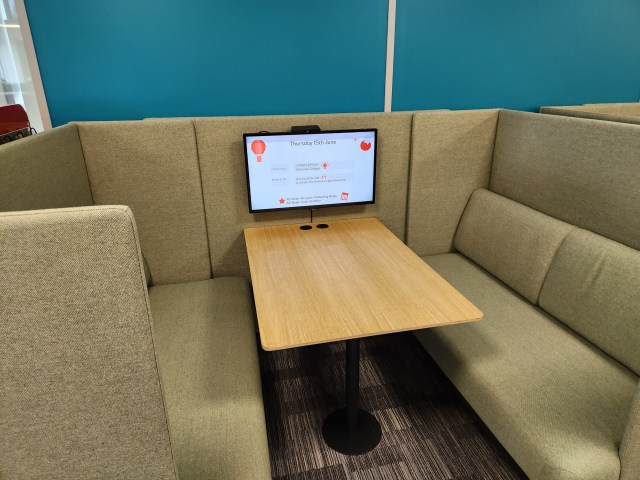
Bigger ones for a group
And even some open ones, if you don’t need soundproofing.
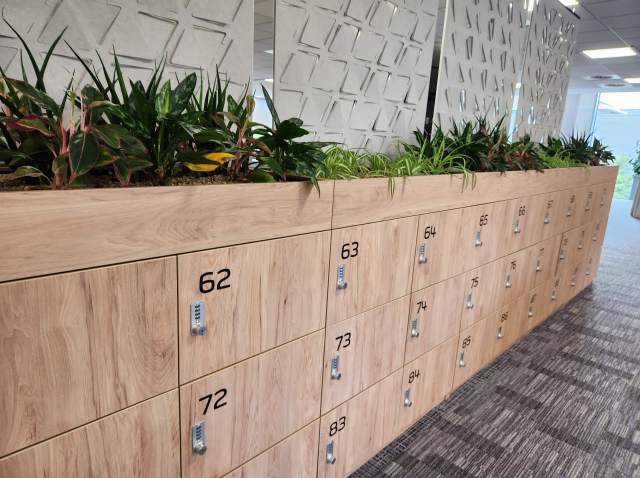
We have lockers, where people can leave stuff if needed.
And, of course, our high tech coffee machines. One of the things I’ve appreciated at Redgate is that we put these in central places to encourage getting up from your workspace and going to meet others, taking a moment to chat or catch up. I’ve had some great conversations because I run into someone getting coffee.
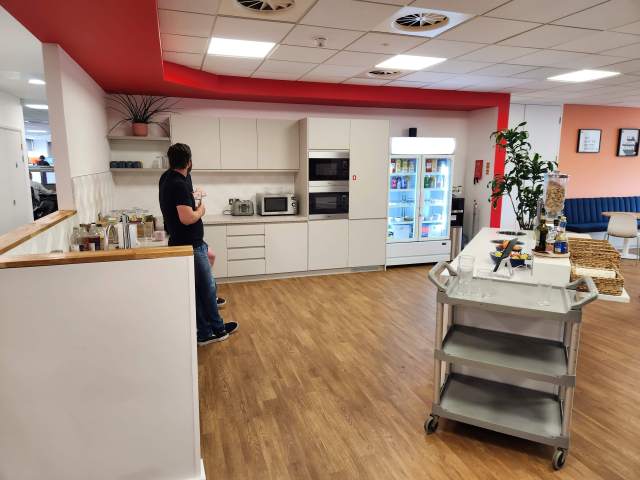
We got rid of our cafeteria, but we do have a kitchen with some breakfast cereals and snacks. There are microwaves, juices, teas, and more.
We have a photo board in each kitchen, which is a great place to put up memories. There is also a table tennis and billiards table available for breaks.
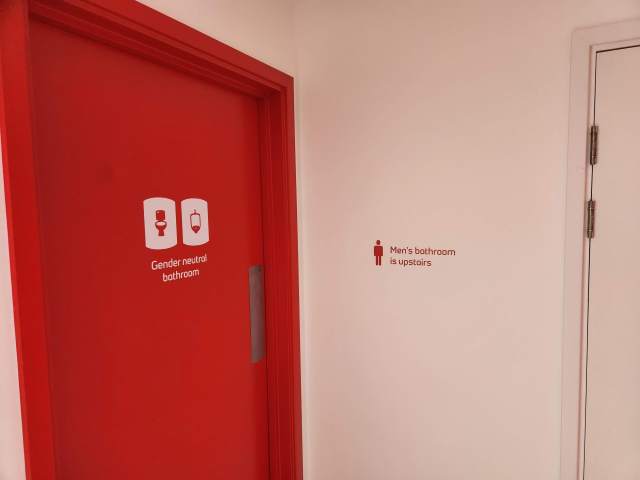
Various bathrooms
and showers
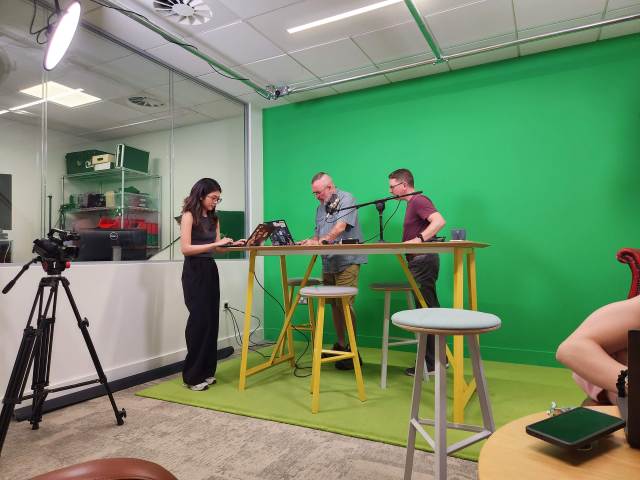
We even have a recording studio, though it’s not completely set up. Still, we had a meeting in there to plan and record a few promos.
And, we have a roof. I made a quick video of walking around the first floor (second for the US people) and then heading up to the roof.
It’s a nice space, and much smaller than our previous building. However, with the way we work and staffing, this suits us well. It’s not crowded, but not sparse either.
I’m looking forward to more trips to this space, my third office in Cambridge.
SQL Server databases have had a compatibility level for a long time. This is a setting that enables the database to process code as if it were a particular version. The levels go from 80 (SQL Server 2000) to 160 (SQL Server 2022). Each time (almost) a new version of SQL Server has been released, there has been a new compatibility level.
However, not all versions can support all compatibility levels. For example, my SQL 2022 instance can support levels back to 100 (SQL Server 2008). If I wanted to get a database to act like a version older than 2008, for example, 2005, I would need to install a SQL Server 2012 or older instance. There is a table of engine versions and supported compatibility levels on the ALTER DATABASE Docs page.
When you create a new database, by default, it is at the current compatibility level. However, if you upgrade a database, the level might not change. There are some limits to which versions are supported, so an upgrade might change your database.
An administrator might choose to keep an older level for compatibility purposes. Perhaps your code has an identifier that is now a keyword. Perhaps you expect some code to behave a certain way. However, not all changes are protected by the compatibility level. Most of the time, an administrator must manually change this, which is something that can slip through the cracks. If you don’t change this right away, likely it isn’t going to change.
There was an interesting post from Brent Ozar recently that explained a bit about compatibility levels in a SQL Server database. I wonder how many people actually actively choose a level or they just accept the default level for that instance. Brent gives some advice in the post, and his recommendations vary a bit, depending on whether you are happy with the system or not. He also recommends measuring your system and then evaluating a change. Especially if this is a database for vendor software.
I don’t think changing or updating this setting is a priority, but I also think that being aware of when your level doesn’t match the instance and documenting this is important. At some point, through many upgrades, you might find your level isn’t supported any longer. Then your database might have immediate issues. A good monitoring system can let you know when you have mismatches that can be evaluated when there is extra time to clean up or test changes to the system.
Each version of SQL Server adds new features, like the changes for Intelligent Query Processing. In general, we want to take advantage of these if we can. However, not all workloads respond positively, so as Brent mentions, you need to test and evaluate your workload. Hopefully, you have a clear “things are better” or “things are worse” when changing levels. When you get some queries that perform better and some worse, then you have some choices to make. Often the default is “do nothing,” which may or may not be the best decision, but the devil you know is sometimes easier to deal with than the one you don’t know.
That’s fine but consciously make that choice. Keep an eye on your system and don’t just accept defaults, whether those are from Microsoft or the ones you’ve left after an upgrade. Actively manage your systems to get the best performance you can for clients.
I’m in the UK again, for my second trip this year. This time I have no commitments for speaking or presenting anything. I’m in town for a Marketing get-together and our internal Level Up conference. Nice to be here without being responsible for anything, which is rare.
It’s a relatively quick trip for me. No Mrs. way0utwest , but I was traveling last week and next week I take time away to head to Orlando and AAU Girls National Volleyball Championships, so this is slotted around those items.
It’s a relatively busy week, so no sure there will be any blogging for now, but if I come up with something interesting and have some time, I might. I’m focusing on taking a physical paper notebook and pen and trying to do most of my thinking and learning that way.







 , but I was traveling last week and next week I take time away to head to Orlando and AAU Girls National Volleyball Championships, so this is slotted around those items.


 Voice of the DBA