I wrote recently about the Release agent using the hosted queue as the default, which is sometimes a problem. The Build process has the same issue, though the way you change things is different.
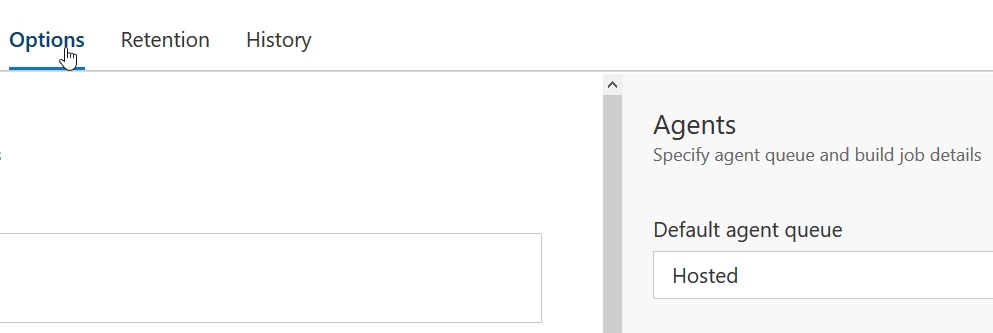
In a build, you see a set of tasks with various menu items across the top, as shown here.

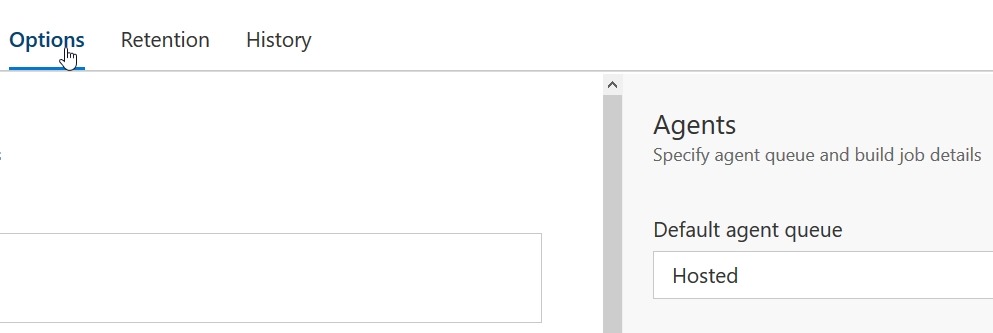
If you click on Options, which will then be underlined, on the right side the Agents options appear. The default, as with releases, is the hosted agent. Change this to another pool if you want local builds.
Microsoft makes this the default for a couple reasons. One, it’s easier. No need to install an agent, which might be an issue for some people. I think it’s simple, but for some teams, you might not want this.
The other reason is that while you get 240 minutes per month, if you’re like me and built often, you can blow by this. Also, I have machines available, so I’d rather build locally, and I wish I could make this a default.
Microsoft wants to make money, and that’s fine. I like the service, and in a commercial environment I’d weight the cost here v purchasing something like TeamCity + add-ons, and then make a decisions. Since I dislike uncertainty, and not knowing the costs, I lean towards local builds always. YMMV.




 Voice of the DBA