
Redgate recently released SQL Compare v16, which included a new feature to work with Redgate Data Modeler. I decided to give it a try in this post. I’ll take a model and compare it to a database, and deploy my model.
There’s a video of this post at the bottom if you’d rather watch me work.
This is part of a series on Redgate Data Modeler. This is also part of a series of posts on SQL Compare.
A New Model
I started a new project, mostly as an experiment to help me practice with some technologies, with the idea that this will become useful at some point in time. In my case, I created a new data model for an event registration system. We could really use one at SQL Saturday/Day of Data and right now everyone that runs an event has to handle that themselves.
In any case, here’s my basic starting model. You don’t need to look at the details, just know I started here by creating a model from scratch in Redgate Data Modeler. I have 7 tables that I setup.
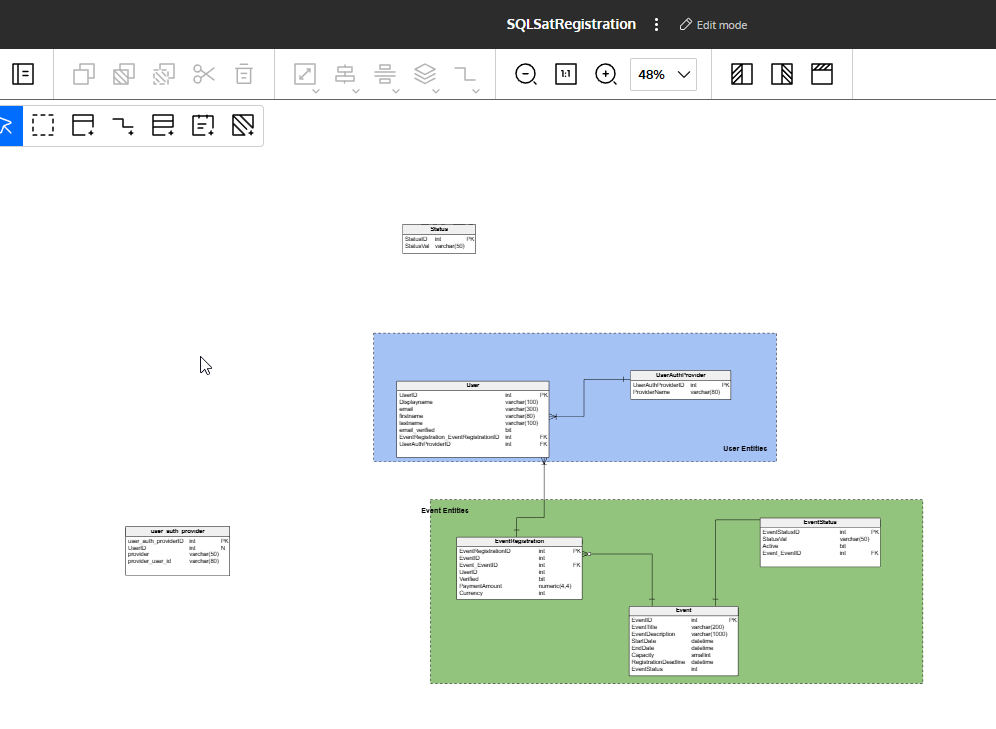
I want to get this model deployed into a database. I could export the SQL, which is fairly easy, but let’s make this easy with SQL Compare 16. I upgraded after the new release, and I want to see how this works.
Data Modeler Integration
In SQL Compare we have a new source for connecting to database code. In this case, it is Redgate Data Modeler Integration. That doc pages describes it, but when I open the tool, I can see a new choice in the connection drop down.
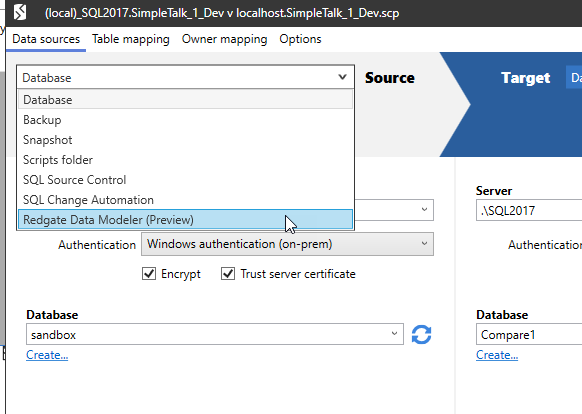
This is a preview feature for now, but it does work. Once I select this option, I see the settings change. In this case, I need an API to get started.
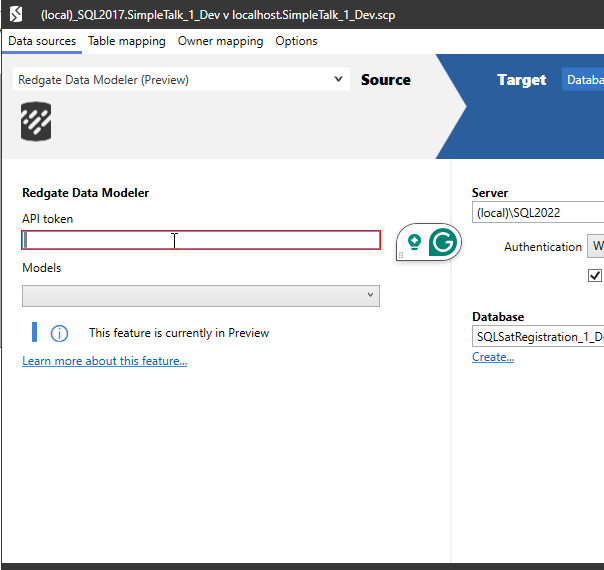
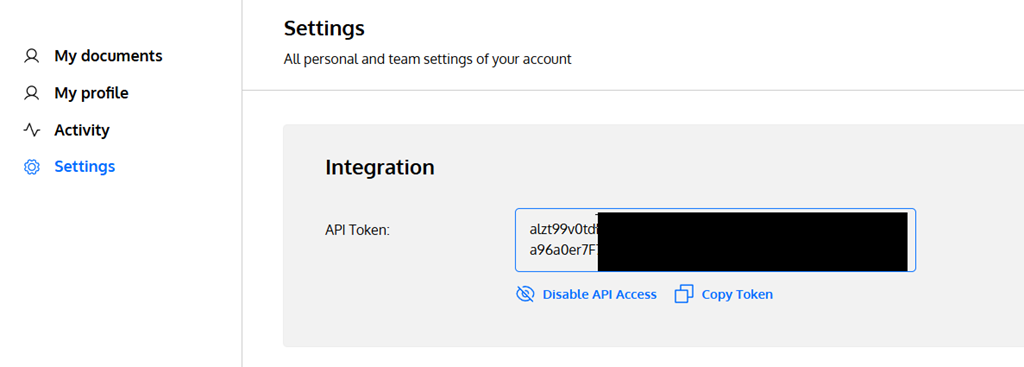
The documentation says to go to your Settings page in Redgate Data Modeler. When I went there, I got an API section at the top, asking me to enable API access (which I clicked before taking this screenshot) and also a set of Notification Settings below this.
Once I clicked things, I had the API token listed. I’ve blacked out most of it here, but I clicked the “copy” button to save this to the clipboard.
I then pasted this into SQL Compare and the model drop down populated. I could see both my models listed.
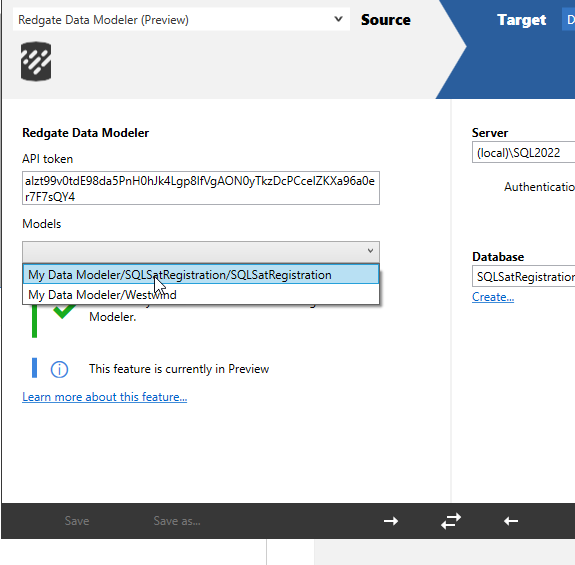
For the target, I connected to an empty database that I created with this code:
CREATE DATABASE SQLSatRegistration_1_Dev
I could see my comparison looked correct, so I was ready to see if I could deploy my model.

I ran the comparison and as expected, it sees everything as new in the model and nothing in the database. I selected all objects and then clicked Deploy.
 Since this is the first time I’ve deployed the model, I decided to let SQL Compare do the work.
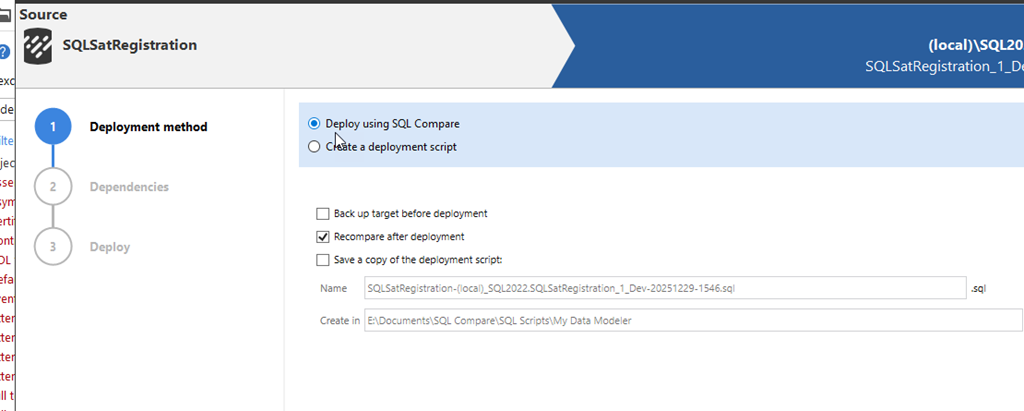
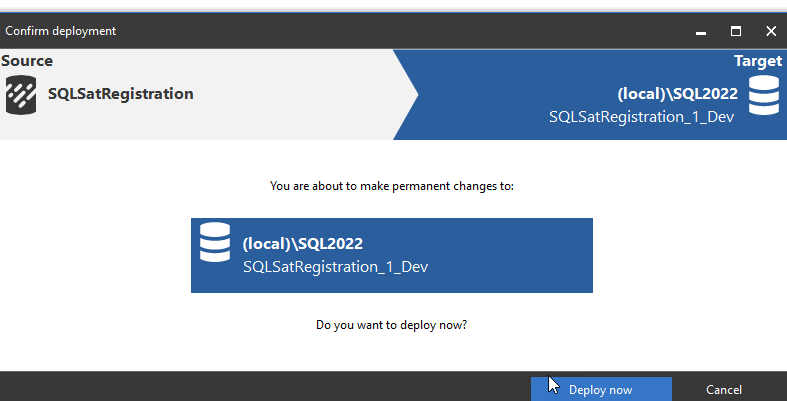
After looking at the script briefly, I clicked Next and got the final, do you want to deploy, screen. I clicked Deploy here.
I had selected the recompare after deployment option, so once this finished, I saw this screen. Everything is the same on both sides of the comparison.
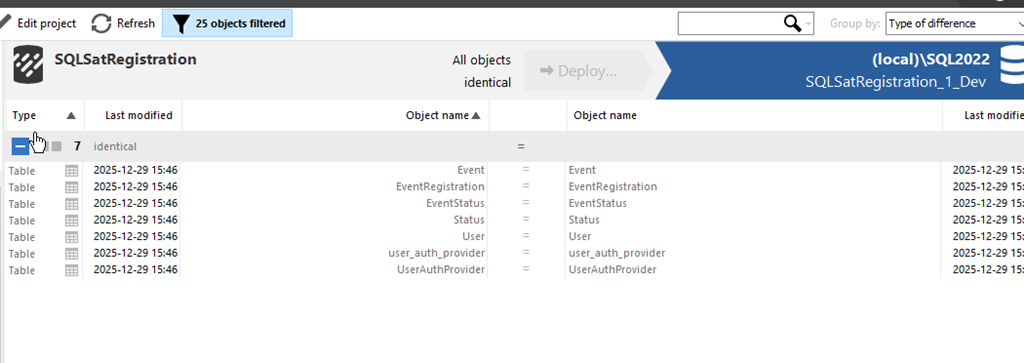
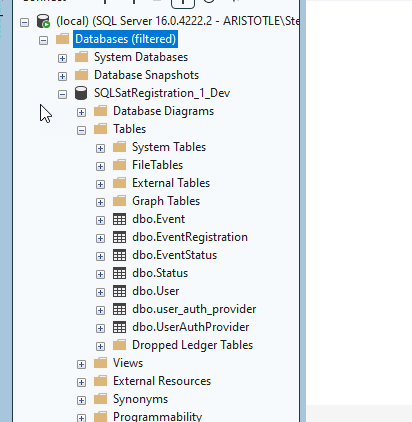
When I checked my database, I see the objects there.
Summary
This was a short look at taking a new model I’m working on and deploying it to a database for some actual work. I took a model previously created in Redgate Data Modeler and using SQL Compare, I deployed all the objects to a live database.
This is a great integration and it’s much smoother than saving a script and then opening that to run it. I like tools working together, and I could see this being handy for architects and modelers that want to quickly test out their changes.
SQL Compare is an amazing tool that millions of users have enjoyed for 25 years. If you’ve never tried it, give it an eval today and see what you think. Give Redgate Data Modeler a try and see if it helps you and your team get a handle on your database.




 Voice of the DBA