Tag: computers

  • Rebooting for a Reason

    I’ve worked with computers for a long time. I’ve helped support various systems and applications, both desktop and servers. One of the most common tricks that has served me well is to press to oh-en-oh-eff-eff switch twice.

    In other words, reboot.

    This is advice that many tech support people use. It’s what is often recommended for everything from personal computers to mobile devices to watches to really any sort of microchip device. It’s been recommended for my Tesla and for a few appliances as well.

    It’s also incredibly frustrating advice to hear that when we expect a device to run constantly, like a watch. Why should I reboot it? Isn’t your code bad? Isn’t it the manufacturer’s fault? Isn’t this a cop-out to get me off the phone/chat/etc. and close out a call?

    This is likely bad code, and it might be a way to get you off the phone, but there is some rationale behind this troubleshooting step. I ran across this article on the unreasonable effectiveness of turning computers off and on again. It provides some reasoning why rebooting makes sense and why it can help. The short answer is this action returns the code and device to a known state. Often when things are broken, we’re in an unknown state.

    There’s also an interesting parable about writing a shell that is very strict with its evaluation of input and crashing when things aren’t right. The author wrote another shell that is loose in its evaluation of input. Read the piece to see which shell actually made more sense to the programmer.

    I found this interesting and fun to read, and it made me feel better about needing to reboot systems. Less excited about the need to reboot a car or a plane (I’ve been on a 787 when it rebooted), but since I’ve seen the former continue to work, I’m less anxious. Take a look today and let me know if this article makes you feel a little more comfortable with giving out the “reboot” solution to others.

    Steve Jones

    Listen to the podcast at Libsyn, Stitcher, Spotify, or iTunes.

  • Final Thoughts

    I am a fan of Walt Mossberg. I have read his work and seen him interview many famous people in technology across the years. He has been quite an influential reviewer and commenter. If you haven’t ever read anything from him, I might recommend his view on Internet regulation or his thoughts on the Steve Jobs biopic , or even check out his gadget museum. You might even take a few minutes and read about The Taco Bell interview. It’s a pretty neat story.

    Mr. Mossberg recently wrote his last column. He’s retiring this year, and penned a look at some of the technology he’s experienced in his lifetime. Reading over the piece brought back some nostalgic moments for me as I think about how the world has changed. He also notes that early in his career he wrote this sentence: “Personal computers are just too hard to use, and it isn’t your fault “.  Now he says “Personal technology is usually pretty easy to use, and, if it’s not, it’s not your fault.”

    I agree with that, and one of the complaints I have with our industry. We haven’t done a great job of actually considering users and building software that’s not only intuitive and easy to use, but also gets easier over time. While I learned to appreciate the adaptation of some Office software that keeps the often used menu items displayed and remembers previous options I’ve used for features, I find this is the exception, not the rule. Our software is often in the face of the user, and I constantly bemoan the state of poorly written applications.

    As we’ve moved to larger displays, and smaller displays, using touch, speech, and other methods of interacting with computing devices, building newer devices that look nothing like the computer of the past or even the computers of recent years gone by, we haven’t necessarily made the computer fade into the background. The smartphone (and related car displays, tablets, etc.) have perhaps done one of the best jobs of integrating into our analog world, but the interfaces, displays, and certainly rendering of content overall has a long way to go. Plenty of that is our fault, we, the people who build applications.

    I wonder if we’ll reach Mr. Mossberg’s vision of having most of our computing infrastructure fading into the background. Certainly reducing the need for cords and remembering to charge things will help. I look forward to the day when I have multiple pads built into my desk, my kitchen, my car, and more to just charge my devices when I set them down, so I don’t need to think about power. I want connectivity to be just available, and I certainly want to be able to enlarge text easily, without zooming in and scrolling side to side as my eyes age.

    The world may get better applications and infrastructure, and hopefully much better security. I certainly think it’s possible, though not likely to be ubiquitous among all parts of the Internet. I doubt that for most of us choosing to work with technology as a career that we’ll see computing fade away. We’re too involved in the details, and hopefully excited by systems, to abstract ourselves too far away.

    Steve Jones

    The Voice of the DBA Podcast

    Listen to the MP3 Audio ( 4.6MB) podcast or subscribe to the feed at iTunes and Libsyn.

  • Laptop Cattle

    I traveled to Cambridge recently for some meetings at Redgate Software and to attend SQL Bits. I arrived on Tuesday, worked a bit, and then came back to the office Wednesday for the SQL Clone launch (a success, by the way. Watch it. Now. Well, not now, but after this post).

    After the first two SQL Clone broadcasts, I walked back to my desk and tried to get some work done. I was updating the release pipeline for a demo and kept getting an error during the restore from production step. It was strange as I hadn’t changed anything, and had actually demo’d this step the previous week. I tried a few things before I read the error message and then realized I had a corrupt .dll. Not great, but sometimes a restart will clear things if this is some bad bits in memory.

    I closed Windows and then clicked “restart” and got this.

    IMG_1385

    Not the end of the world, and I assumed this was some transient. I let this go and went to get coffee. I returned to see this screen, but I could swear the percentage was different.

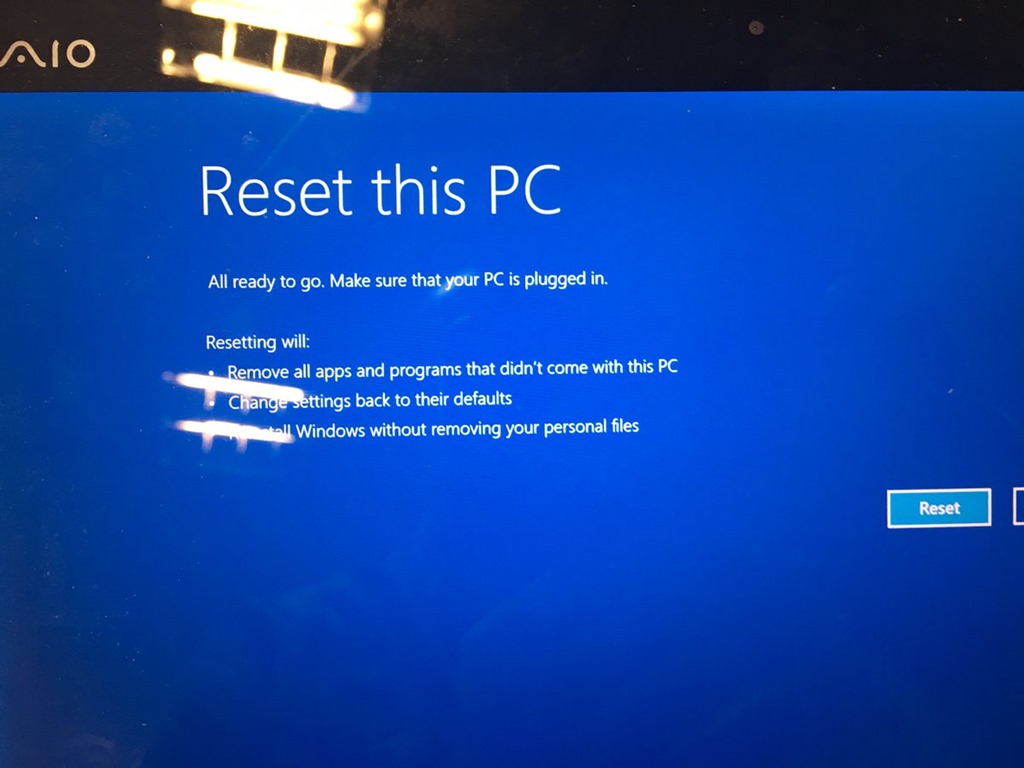
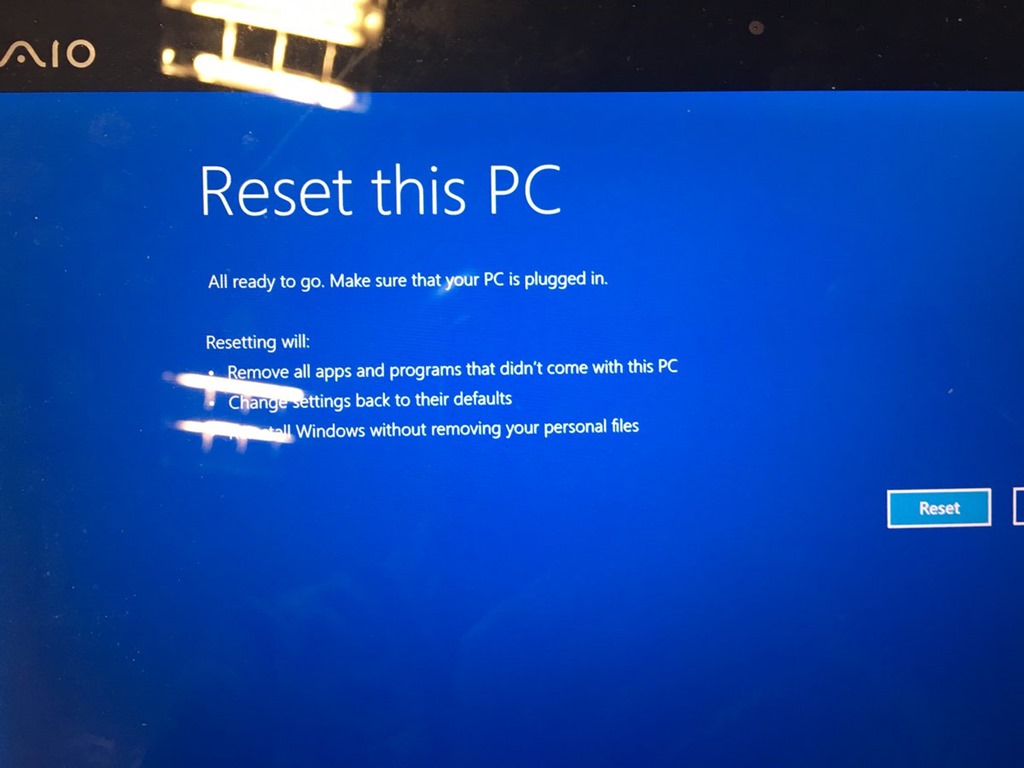
    It was. The machine was rebooting, crashing, and getting back here. I powered down, waited the customary 5 seconds and 5 more, and booted back up. I got to the Windows recovery screen. There were a few options, System Restore Point, System Image, etc., but nothing was working. After about 20-30 minutes, and another 10 considering whether I should walk down the road and buy a new machine, I decided to reset and reinstall Windows. Not my favorite option, but I didn’t think I had another one.

    C8F5sILXwAAHil6

    I clicked the button and started watching Windows reset itself.

    IMG_1390

    And watching, but fortunately I had another broadcast to do for SQL Clone, and I had my phone.

    IMG_1392

    Eventually the install finished, and Windows configured itself. I’d done this a few times for other machines (desktop and laptop) in the last year, but by choice, after I’d made backups. This time I was forced, and was hoping that I didn’t lose too much stuff.

    IMG_1393

    When I was able to log in, I saw there were still a few things, including some configuration that Windows restored as a side effect of using a Live login, or whatever Microsoft calls it now. When I first logged in, I was greeted by my new install.

    IMG_1394

    From there, I needed to get going. I had some Windows config, and more of the stuff in the Documents, Pictures, etc, libraries were there (Actually all of it), but anything in\ Program Files, \Windows, etc. was gone. Not fun.

    Fortunately I have rebuilt some machines recently and have found Chocolatey to be invaluable. I first got Chrome going, then added Dropbox and kept other installs going in the background as I got ready for broadcast 3.

    IMG_1395

    Throughout the evening, I manually added back my O365, SSMS, and SQL installs, and kept thinking of the stuff I needed for demos. git, Github and VSTS got my code back down, and I had to re-authorize some apps with new passwords, but I was 90% running before I went to the hotel that night.

    Reinstall Windows to running SSMS demos with SQL Server in about 4 hours, minus about an hour in the SQL Clone launch.

    The next day I had pretty much everything running again by noon, minus a few sample database backups. I’ve learned that the default SQL backup path is no bueno on a laptop. I’ll have to rebuild some sample data sets and I’ve already moved things to a new path that will exist if this happens again.

    I was productive and working, writing some code and testing demos the next morning. It really was about a 4-5 hour process to have a laptop back working, with code, that I could use on an airplane with the data I expect.

    My laptops are (mostly) cattle now. I’ve got a few things to square up (like SQL backups), but overall, I think I’ve improved my DR process.

    And I’ve learned to git push before I power down this machine.

  • Is Skynet Coming?

    That’s the question this week: Is Skynet coming?

    I read a piece recently that noted Stephen Hawking, Elon Musk, and Bill Gates have warned us about artificial intelligence. They have been quoted as this is potentially something that the human race needs to be cognizant of. However, I wonder.

    I know what IBM’s Watson does is amazing, but is it intelligence? Is it anywhere close to sentience? Or is it really just pattern recognition and matching with facts? I think more of the latter, and I’m not sure we’re moving closer to a computer intelligence.

    I guess there are narrowly defined domains where computers seem to be improving their capabilities, but it seems to me that these areas are defined by the programmers and the systems are tailored to a specific ability.

    I do agree with the article that combinations of massive computing power and humans will make fundamental changes in the world. I think many, many jobs are potentially going to be lost and workers dislocated because of the ability of computers to do many jobs that humans perform today. I don’t have any solutions here, but I am glad I work in technology.

    Steve Jones

    The Voice of the DBA Podcast

    Listen to the MP3 Audio ( 1.6MB) podcast or subscribe to the feed at iTunes and LibSyn. feed