

PASS will close down their websites on 15 Jan 2021. That’s just a couple weeks away, and if you’re someone that paid for a year of PASS Pro access, like me, you might want to save the videos so you can still go through the courses. I have no idea if someone will buy the assets and make them available, but I did contract for a year of access, so I believe I can save them for personal use.
NOTE: DO NOT PUBLISH OR DISTRIBUTE THESE TO ANYONE ELSE. That would be illegal and a copyright violation. It may also break other laws.
Here’s what I did to save off my own personal copies.
First, you need to log into the PASS site. In your dashboard, you should see a PASS Pro section. Click that.
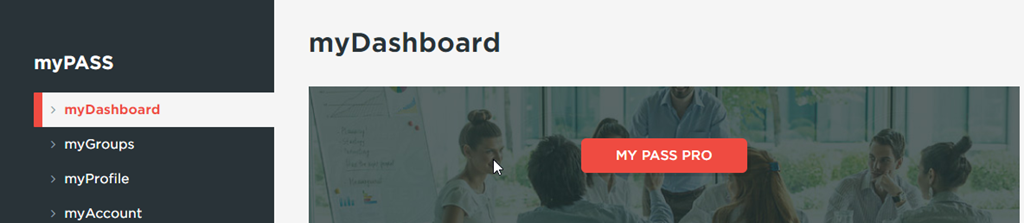
This take you to the PASS Pro site. Here, you need to click “Learn” and then pick the item you want. I was more concerned with the current videos than older ones, so I chose the Educational Series.
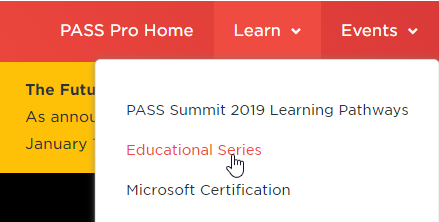
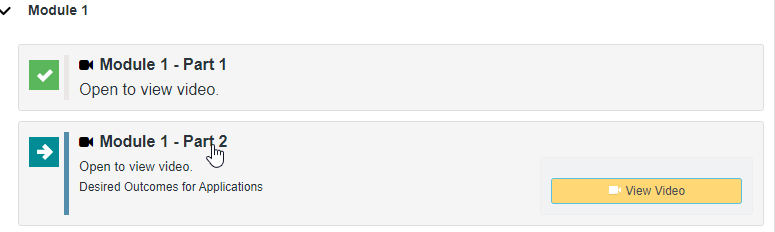
From here, I pick one. For example, I was interested in Dr. Greg Low’s Cloud Transformation. For the series, you need to go through it quickly, but there are some assessment gates. For example, I couldn’t easily pick Item 4, because I hadn’t started item 3.
Design issues aside, click on an item and view the video.
This opens a popup with the video. Click Play, and once it starts, you can right click and “Save Video As”.
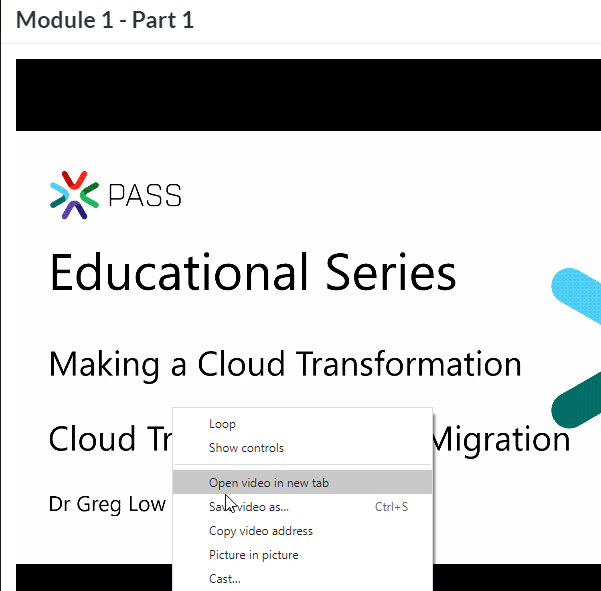
If you don’t click Play, you’ll be saving the HTML page, which isn’t what you want.
I went through the series, and it took just a few seconds to start a video and save it off. I could then close it and do the next one. Once I’d started a video, even for 3-4 s, I could get to the next one.
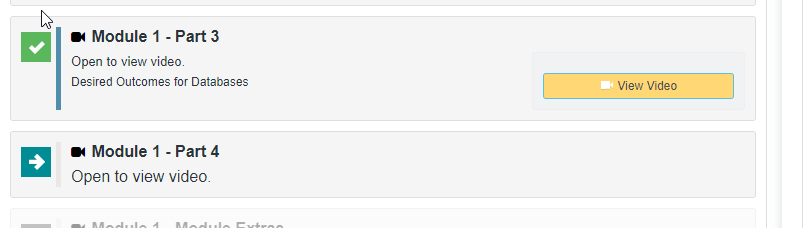
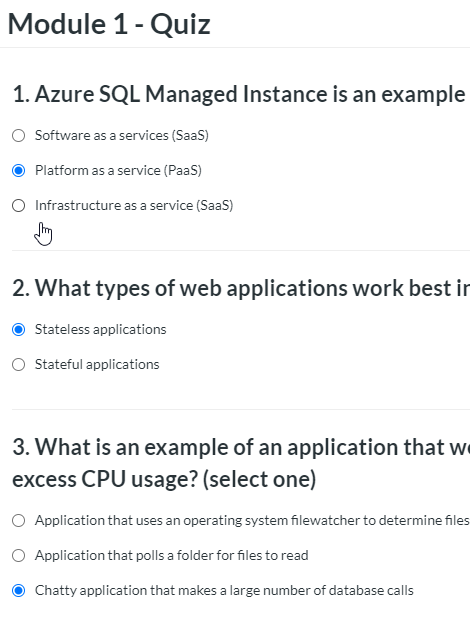
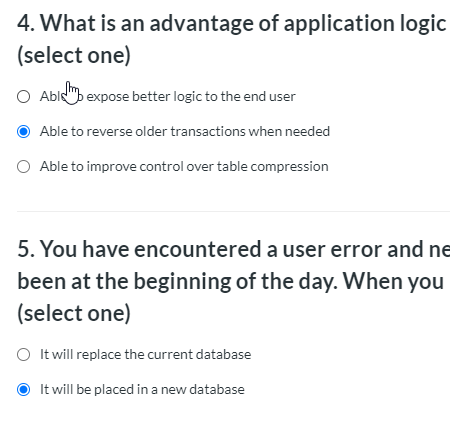
The caveats here are that there are assessments, and you cannot get past them until you go through them. Take some guesses, as you have a few chances, but note your answers. Maybe you can answer well enough to get past them. If not, here were my quick guesses on module 1 for cloud:
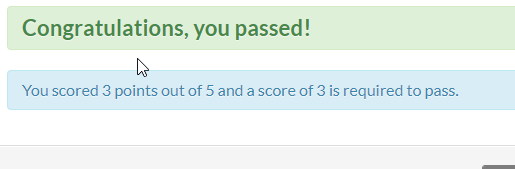
I passed:
On to module 2.
Hopefully this helps. If someone gets an automated way to grab these, I’ll update this post.


Comments
3 responses to “Saving PASS Pro Videos”
i am not pro member. but i am pass 2020 attendant. i was not able to download summit 2020 sessions. very ugly.
LikeLiked by 1 person
Same. Right click does not offer to save anything but HTML . Which browser did you use?
LikeLike
Pei, these instructions are specific to uses who are PASS Pro members, a separate paid membership unrelated to the PASS Summit. David, are you following the instructions precisely? you must start playing the video, and in Chrome and Chromium Edge I can right-click and Save Video As… Just bringing up the video won’t work.
Good Luck!
LikeLike