The Book of Redgate: What Our Staff Says

This image is from 2010, and it goes along with my last post of what our Customers Say about us. However, this is what our employees said about the company.

2025-10_line0105

At this point we would have been around a 200 person company, mostly in the UK. It’s a great list of words, and if I were looking for a new employer, this type of work cloud might get me interested in applying.

Redgate has often felt like an extended family, where we care about each other, we’re bonded, and we’re working together to get through life. We disagree and bicker at times, but we love each other.

We’re now closer to a 600 person company, and I don’t know that all of us, or even most of us, feel the same ways, but I’d like to think most people still think this is a great place to work.

I do.

I have a copy of the Book of Redgate from 2010. This was a book we produced internally about the company after 10 years in existence. At that time, I’d been there for about 3 years, and it was interesting to learn a some things about the company. This series of posts looks back at the Book of Redgate 15 years later.

Posted in Blog | Tagged , , | Leave a comment

PASS Keynote Shots

Rodney Kidd took some great shots of the keynote and published an album here: https://www.flickr.com/photos/127113040@N04/albums/72177720330695911

A few of my favorites:

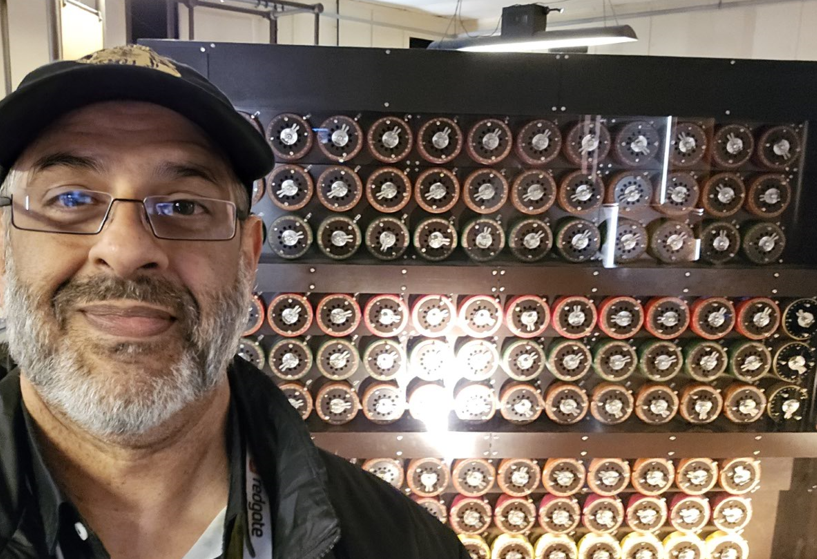
Here’s one of the 8 ball and keynote (and I’m enjoying myself)

RG Keynote 20251119 069_fr//embedr.flickr.com/assets/client-code.js

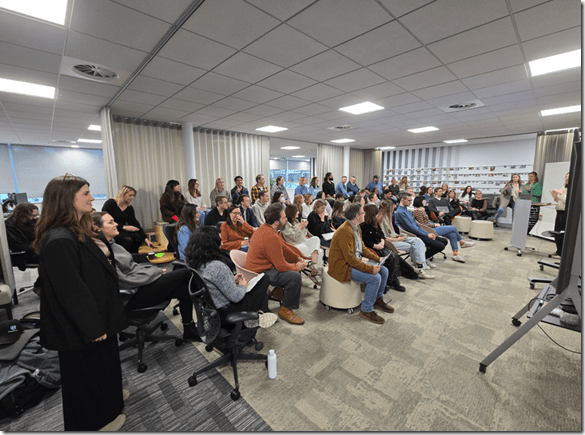
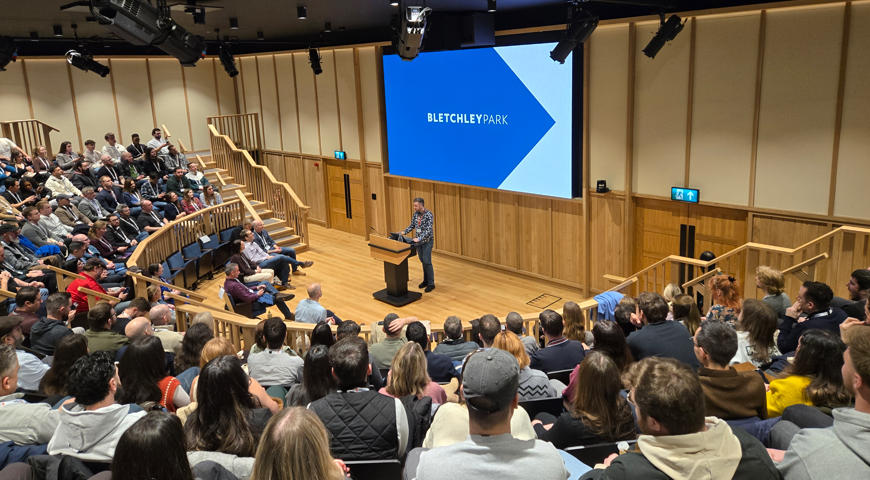
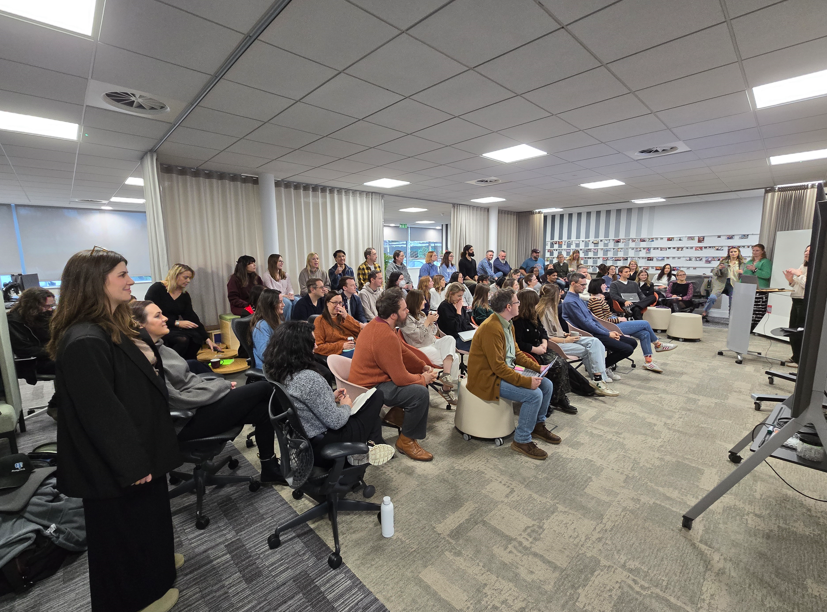
This is a great shot of the audience

RG Keynote 20251119 077_fr//embedr.flickr.com/assets/client-code.js

Am I confused?

RG Keynote 20251119 127_fr//embedr.flickr.com/assets/client-code.js

A nice shot of the crew at the end, Grant obviously having fun.

RG Keynote 20251119 295_fr//embedr.flickr.com/assets/client-code.js

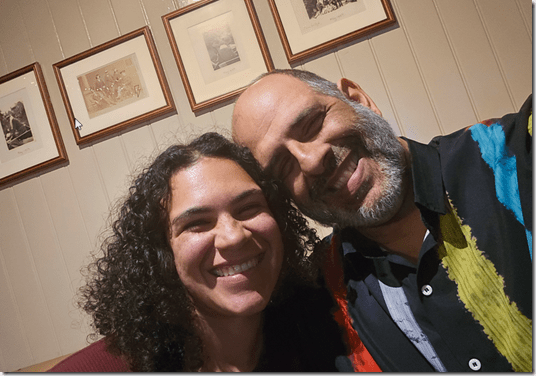
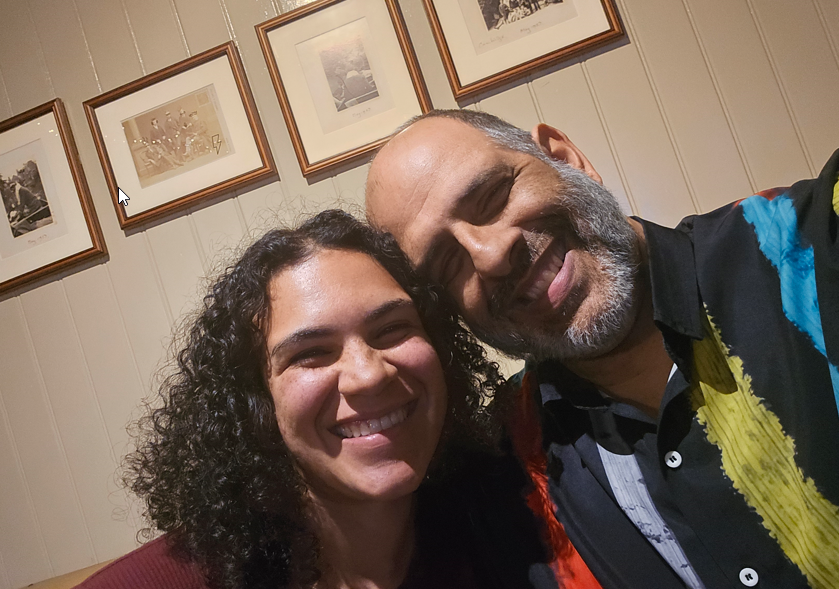
And a nice shot of my chatting with Tim at the end.

RG Keynote 20251119 302_fr//embedr.flickr.com/assets/client-code.js

Posted in Blog | Tagged , , | Leave a comment

SQL Server Licensing is Simple

Over the years I’ve had no shortage of licensing questions for SQL Server. At times it’s felt a little crazy. Look at the licensing guide. Choose EE or SE and the number of cores. Then check if you’re using VMs. Oh, and consider the cloud, and which cloud you’re running a workload on.

It’s simple right?

It can seem confusing, and at times I’ve wished Microsoft would make it simpler. And perhaps even give us some add-ons, like adding some additional hardware capabilities (cough more RAM *cough) in SE.

Then I run into something like the introduction to Oracle licensing. This is one of the smaller guides on a site devoted to Oracle licensing. There are numerous articles on there, with lots of information, perhaps too much, to help anyone get a handle on this process. There are even companies (one, two) built around helping you manage Oracle licenses.

There’s a core factor table, where you need to figure out how to adjust your “license cost” based on the CPU. That’s after you pick the edition, and likely before you go into the other features you might need. I’m guessing this is why a lot of people might just pay for the Unlimited license and stop worrying. I think this is also why Oracle is still such a huge company and worth billions (or trillions?) of dollars.

I actually asked Claude to help me with Oracle licensing. I got these (partial) results, which talks about the different core licensing, editions, and then other costs. As I ask for more details in any area, this gets very complex and confusing. While some of the rules for SQL Server can be confusing, and certainly the HA and virtualization guidelines sometimes leave something to be desired, overall, I find things simple.

I like simple.

Over the years, many software companies have made licensing more complex and confusing to customers. Often this results in more profit for them without much benefit for the purchaser. Not all vendors do this, but Oracle certainly has created a complexity that spawned a whole business model for a few companies. SQL Server licensing is simpler, and I’ve learned to appreciate that.

Steve Jones

Listen to the podcast at Libsyn, Spotify, or iTunes.

Note, podcasts are only available for a limited time online.

Posted in Editorial | Tagged | 3 Comments

Database Collation Matters for Unicode: #SQLNewBlogger

While trying to work with Unicode data, I found some issues with collation. This post showcases what I’ve seen, with probably not enough answers. The collation/UTF stuff is still slightly confusing to me.

Another post for me that is simple and hopefully serves as an example for people trying to get blogging as #SQLNewBloggers.

Noticing Problems

I was doing some testing with Unicode data and noticed this sentence in the docs for UNISTR() (image below): “The database collation must be a UTF-8 collation if the input is of char or varchar data types.

2025-12_0088

I started experimenting with SQL 2022 with a default, US database. I ran this code:

SELECT N'Denver ' + NCHAR(0x1F601), DATABASEPROPERTYEX('sandbox', 'Collation')

That gave me unexpected results. The inputs aren’t char or varchar. They are NCHAR.

2025-12_0089

Strange. I’d have expected this to work. Let’s try the COLLATE clause. That should help.

It doesn’t.

2025-12_0091

One Solution

I decided to create a new database to test things. First, I ran this code to create a database using a UTF-8 collation:

CREATE DATABASE UnicodeTest COLLATE Latin1_General_100_CI_AS_SC_UTF8

Next, I tried my test. Same code as above, different database.

2025-12_0093

This works. I see my Unicode characters.

Why, I’m not sure. I would think that my requesting a collation for a query would work, but I see this in the docs, which notes this is for ORDER BY.

2025-12_0094

In the Write International T-SQL Statements doc, there is this:

2025-12_0095

I’m not sure what UCS-2 means when I’m querying in memory only, but apparently this matters.

An Explanation

The real answer is found in the NCHAR() docs. In here, the arguments section notes this:

2025-12_0096

The key is the Unicode value. NCHAR() handles up to 0xFFFF (4 Fs). My value is 0x1F40E (5 characters), so it’s out of range for the values that are handled with a non SC collation.

If I return to my Sandbox, non SC collation database, I can get Unicode characters, as long as they are below the FFFF threshhold.

2025-12_0097

A fun little experiment, where I learned something.

SQL New Blogger

This is a great example of my finding a problem, digging in, and solving it. Around some other work, this probably took me about 30 minutes to figure out with some reading and experimenting. Then about 15 minutes to write this post.

This is something you could easily do and showcase your knowledge as someone looking to learn and grow.

Posted in Blog | Tagged , , | Leave a comment