
As I’m doing a little development with ReadyRoll, I’m documenting some of the things I learn about the product.
A few weeks ago I needed to do a demo with ReadyRoll for Redgate Software. I built a new project, and wanted to perform a build in Visual Studio Team Services (VSTS). However, I realized that I needed to install the extensions for my project to work. This is pretty easy, but worth a short post.
If I create a new VSTS project, I get a blank, empty project page. 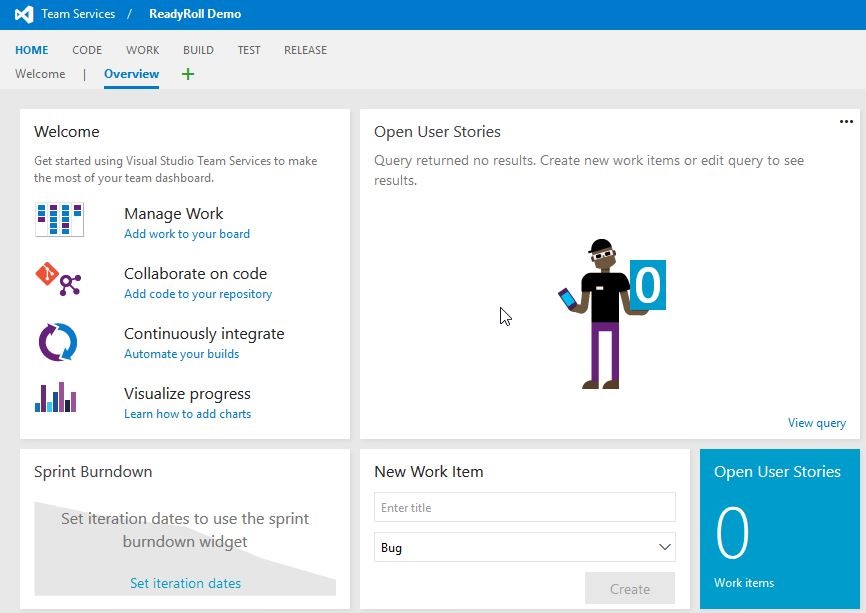
If I navigate to the Release page, of course, I have nothing there.
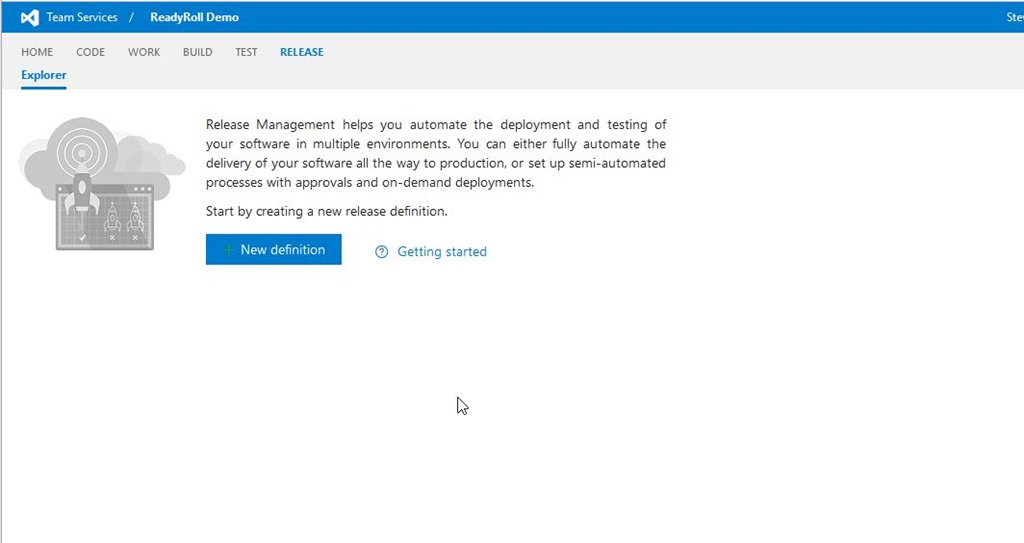
And when I look to add something to a release definition, I have a fairly small list of tasks from which I can choose. These are in alphabetical order, and there’s no “r” tasks.

I do need a build setup, but once that’s done, I still have the same list of three items. I want to add the ReadyRoll extension. To do that, I’ll click the shopping bag in the upper right of the screen. Once I do that, you’ll see I can browser or manage extensions.
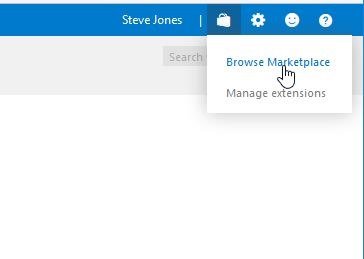
I’ll choose Browse, which opens the marketplace. There are extensions for many, many developer tasks, and I’d encourage you to look through the list.
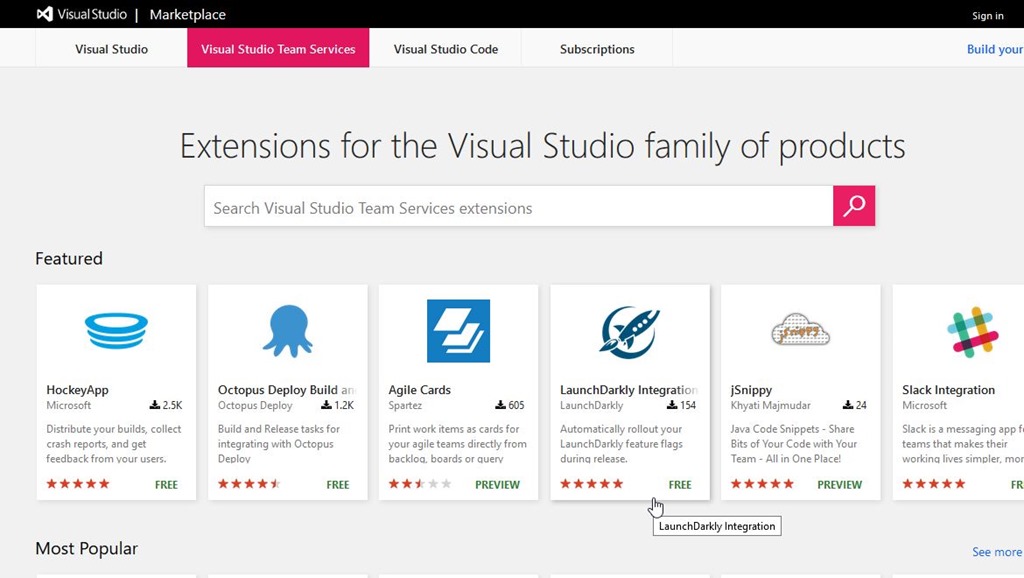
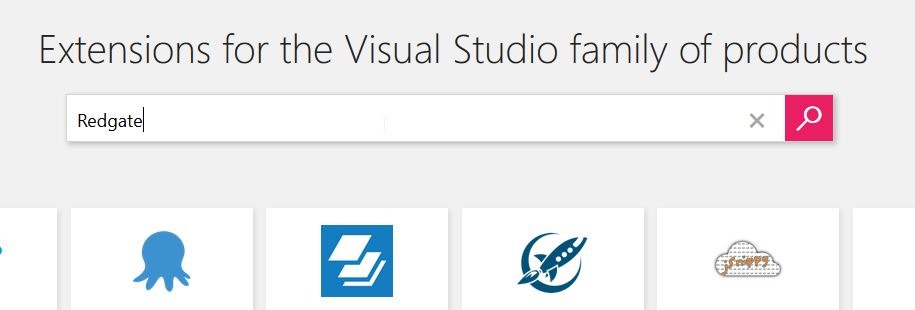
In my case, I’m looking for ReadyRoll, so I’ll enter Redgate to search.
There are three results, the first of which is ReadyRoll.
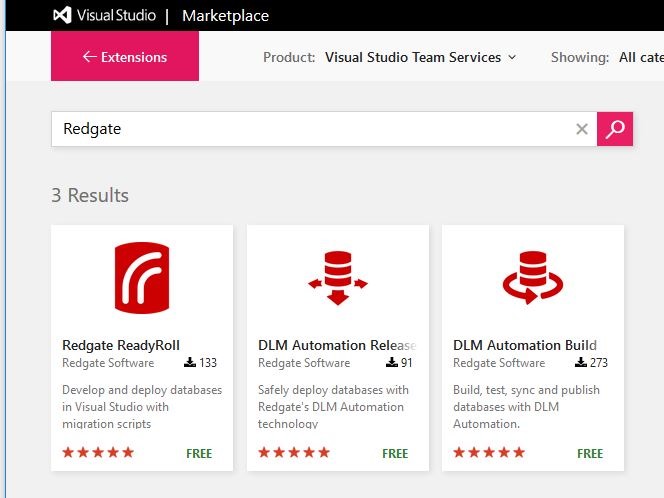
I can click on the box, and I’ll get more details on the extension.
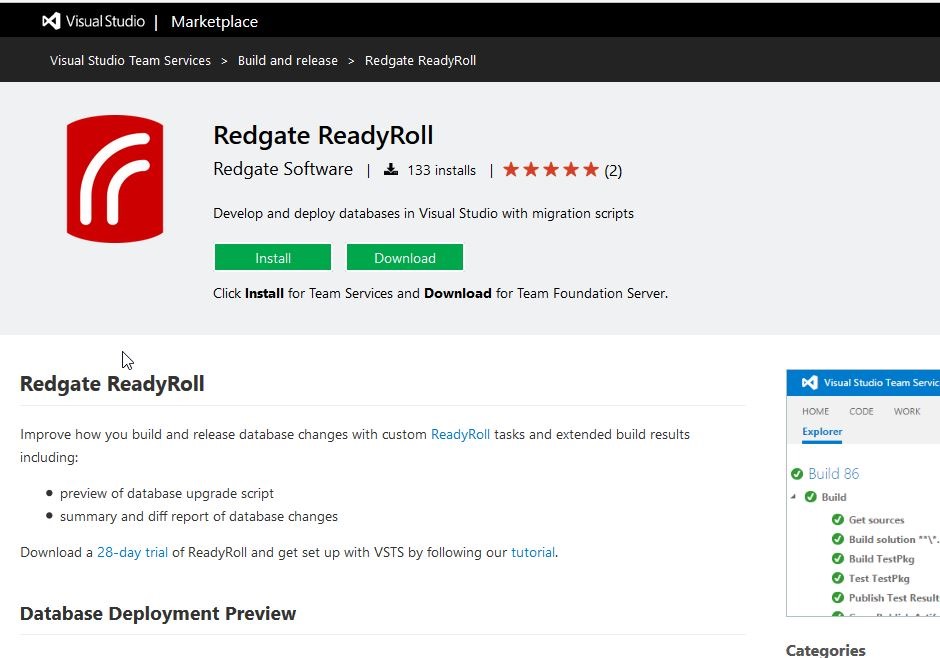
The extension is free, but I do need ReadyRoll on my desktop to build a ReadyRoll project in Visual Studio. As the page notes, you can download a 28 day trial to play with the product if you like.
If I click “Install”, I’ll get a dialog asking me to confirm the installation to this account. Note there is a drop down if you have access to multiple accounts. The permissions needed are also listed.

Once this is installed, I get a confirmation:
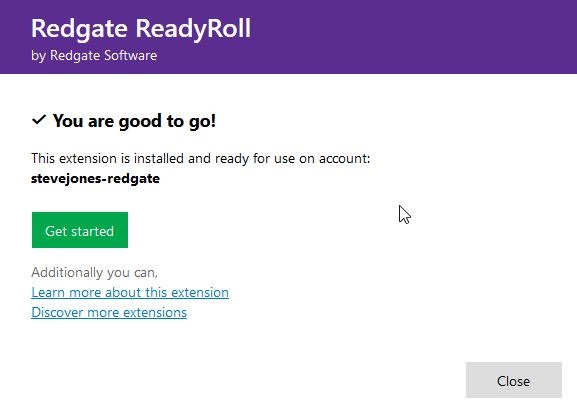
And now when I go to add a task, I see ReadyRoll listed.
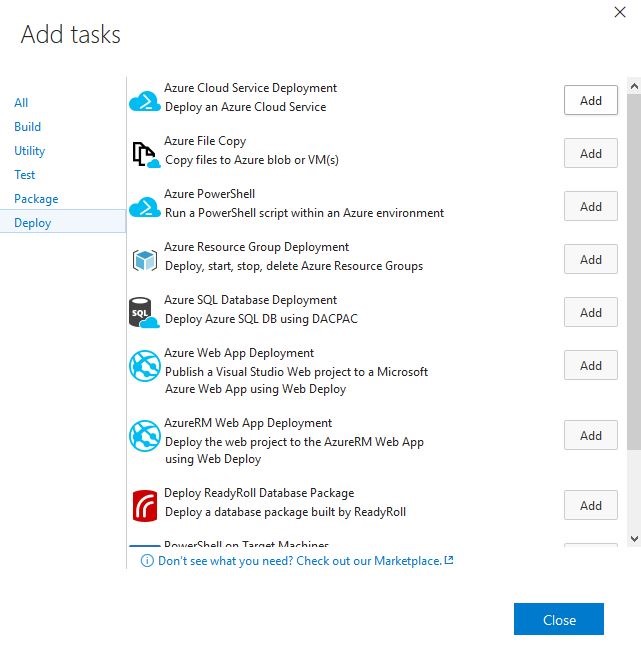
I click “Add” and then can configure the task.
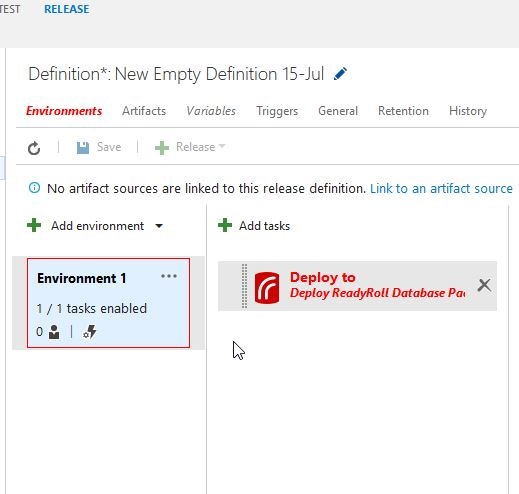
That’s how easy it is to add ReadyRoll, or really any extension to your VSTS account.




 Voice of the DBA