

Years ago I was working on a demo with Microsoft and someone added me to their VSTS (now Azure DevOps) project. Somehow, I got an account in the Live/Passport/Joe-Schmo Azure directory with my red-gate.com email. This hasn’t been a problem for a long time, but recently I had issues.
At Redgate Software, we use Office 365 for a lot of stuff (email, apps, etc.). Lately I’ve been getting a number of documents to edit in our shared, Sharepoint folders. Mostly this is Kendra’s fault, but as I’ve done more prep stuff for customers, I get links from others.
While I can access them, if I click a link, I get a browser window that opens and tells me that it can’t access the document because I’m logged in with my way0utwestxxxxxx account. That’s true, since I use that for the portal. I click the “sign out and sign in again, and I’ll get taken to the login page.
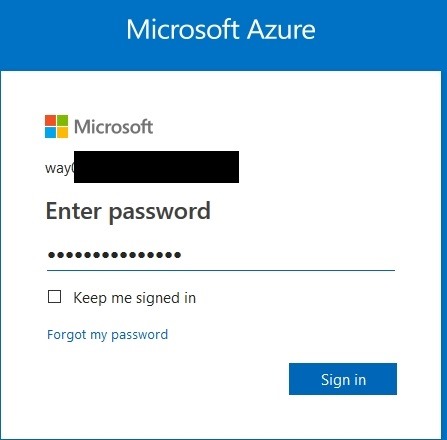
However, this is a login for a personal account, not an organization account. As a result, as soon as I enter my password, I get:
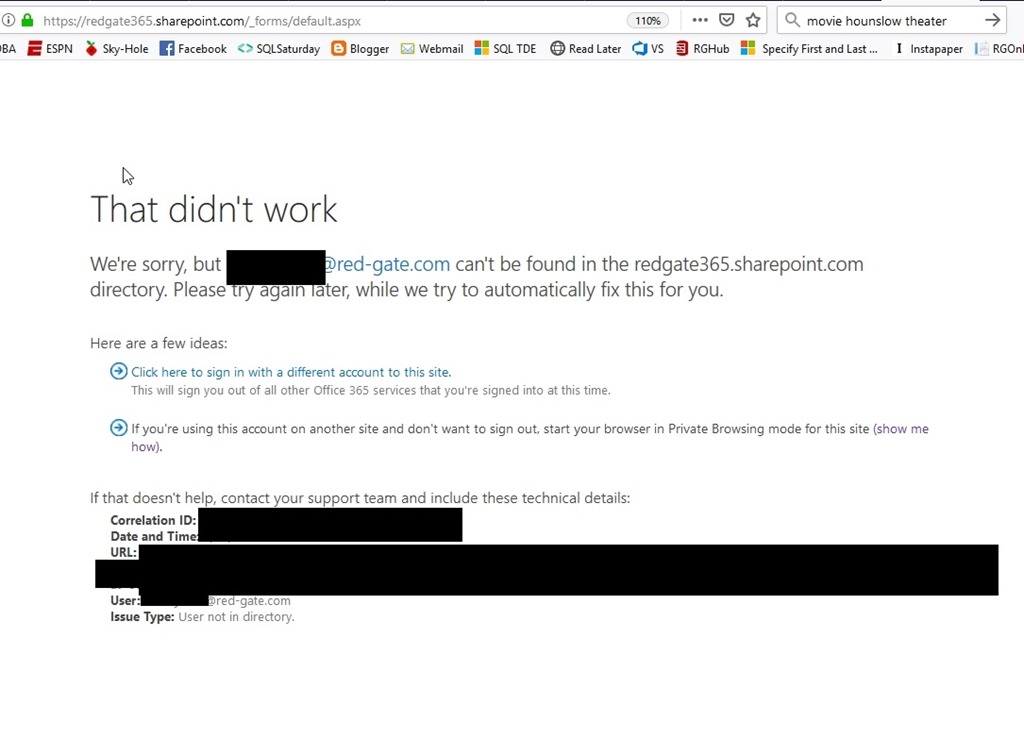
That’s true, but it’s also not true. I do have a valid @red-gate.com account that was entered, but this is apparently stuck thinking I’m using a personal account and doesn’t let me change to an organizational account.
What’s weird is that if I go to a URL, like our info site, or the IT site, I get the option to enter an account. When I do, it goes to the organizational signin.
The Fix
I’ve let this go, mostly because I don’t do much document collaboration, but lately it’s been a problem. I finally pinged the IT staff and they gave me the fix.
- Log into https://account.microsoft.com/profile with the problem personal account.
- Click on “Contact info”
- Click on “Manage this email address”
- Click on “Add email”
- Create a new email Address
- Change the new email address to the primary
- Now remove the old personal email from the account.
I’d have probably been able to figure all of this out if I’d known about account.microsoft.com. I kept thinking Passport, Live, all the auth services I’ve used in the past.
Hopefully now I’ll remember if this happens again, or perhaps this will help someone else.


