Searching for People

Inside Redgate Software, someone posted a picture and was asking if anyone knew who the person was. In this case, there had been a conversation at an event, and a picture was taken, but our employee couldn’t remember the individual’s name to whom they’d spoken.

This happens a lot, especially to me. I’m really good with faces, and often remember what we talked about, but I’m horrible with names.

Someone suggested an image search, so I decided to give that a try and see what happened. For privacy reasons, I won’t put the person’s image here, but use mine instead.

Google Searches

Google will perform image searches, but it’s not doing facial recognition. They talk about that somewhere, but I’ve seen that listed a few times for privacy reasons. I took a picture of myself and decided to test this.

First, go to the Google home page. In the search area, you can see an icon, which lets you pick image search.
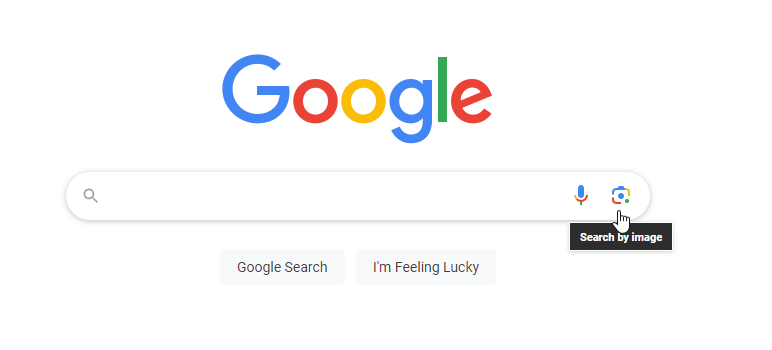
2023-07-28 12_05_11-Google

If you click this, you can upload an image.
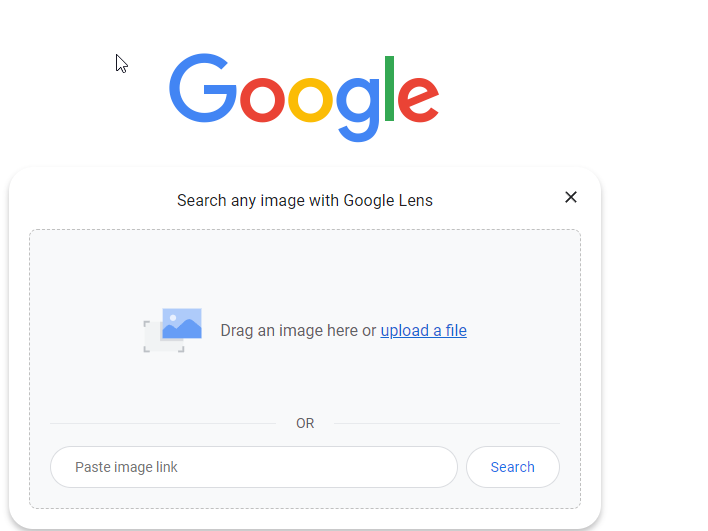
2023-07-28 12_05_14-Google

I did that, and it clearly wasn’t looking for a person, but rather a shirt. My results are shopping oriented, and not good.
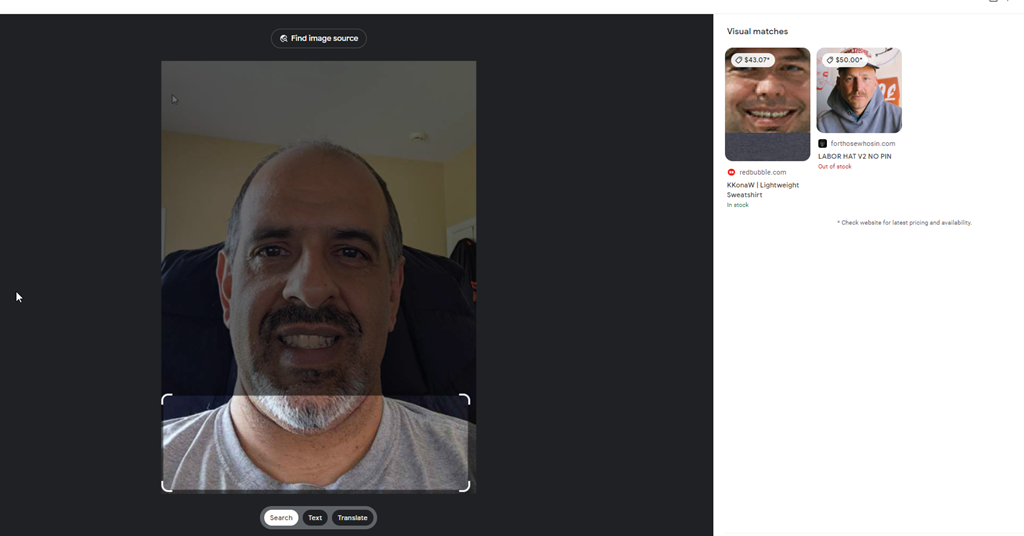
2023-07-28 12_05_22-Google Lens

Of I change the focus, it’s still bad.
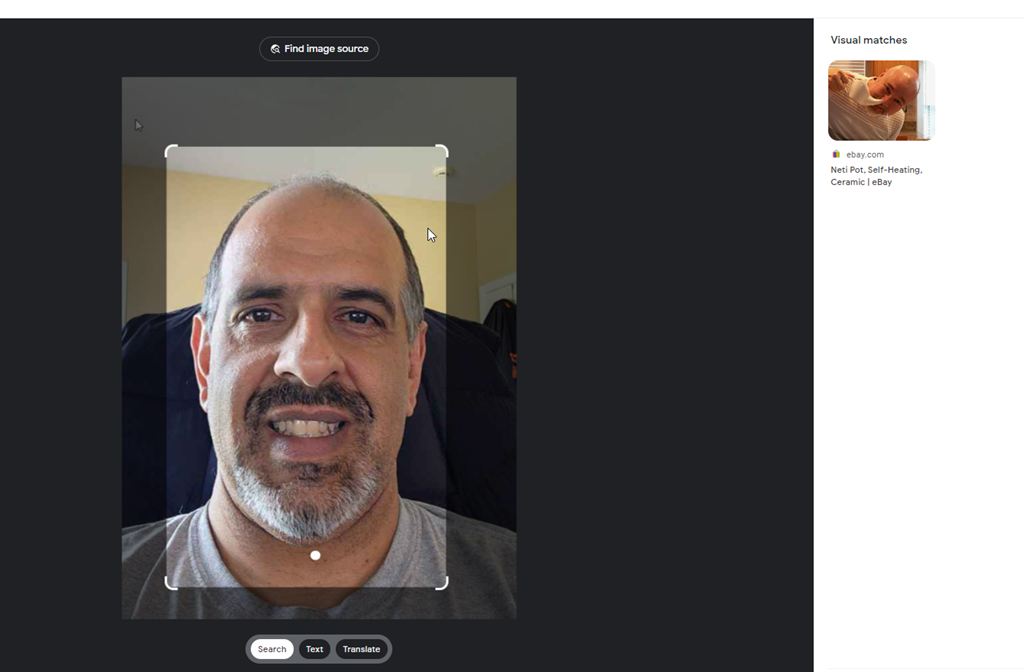
2023-07-28 12_05_54-Google Lens

Supposedly it’s looking to match real images, not people, so I’ll give a photo I know is on the Internet. I know because I searched in Google for this image with text, and then screenshot’d it.

The initial focus was on Simon’s robe, but even changing this to me, it doesn’t find this picture.
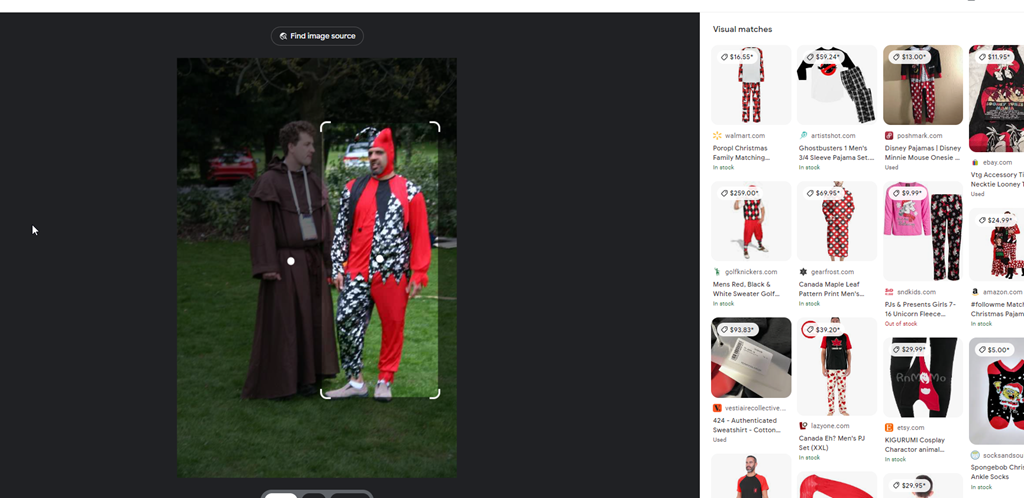
2023-07-28 12_06_43-Google Lens

Google isn’t great here. I think because it’s really looking for something to buy. Good if that’s your focus, less helpful here.

PimEyes

There are other engines. PimEyes is one. This is a paid service, but I uploaded my first picture, and saw these results:
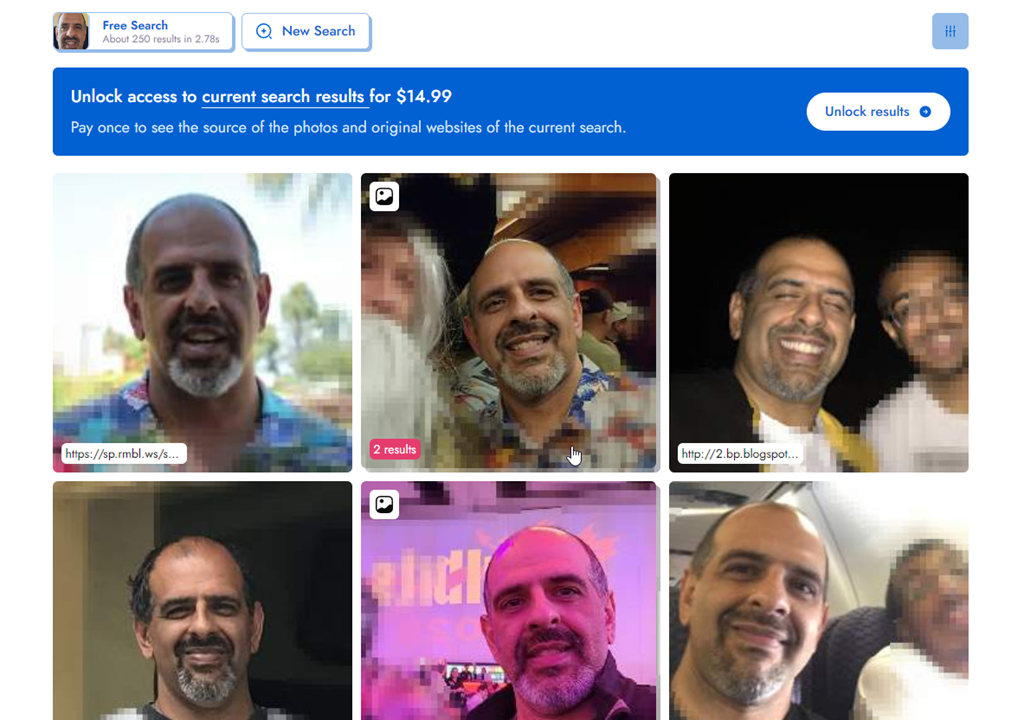
2023-07-28 12_20_17-Look at the face I found with PimEyes! Try it yourself on PimEyes.com! _ PimEyes

I like that they’ve blurred out some of the others, and instead focused on me. These are all pictures of my, and if I paid, I assume they would have my name. If I scroll down a bit, I’ll see some URLs, like my blog site, which would help me figure out where to find this.

2023-07-28 12_55_51-Look at the face I found with PimEyes! Try it yourself on PimEyes.com! _ PimEyes

I only had 3 free searches, but this seemed to work well.

TinEye

TinEye is another engine. This one was less useful than Google.
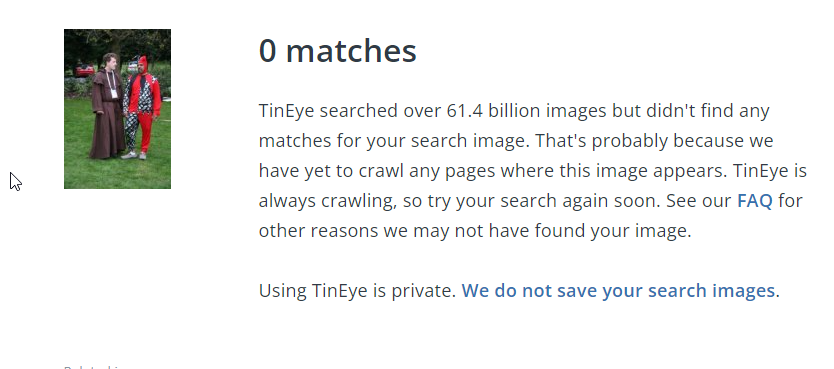
2023-07-28 12_57_46-0 TinEye search results

FaceCheck.ID

I tried https://facecheck.id/, which made me feel like a Private Investigator. I had to agree to terms, meaning I won’t do this for nefarious purposes, and then also fill out a puzzle captcha.

2023-07-28 13_00_47-FaceCheck - Reverse Image Search - Face Recognition Search Engine

My request was queued, as I’m guessing they only have so much compute that they share amongst people that want to the service. Once the search started, it was interesting. Face flying by my image.
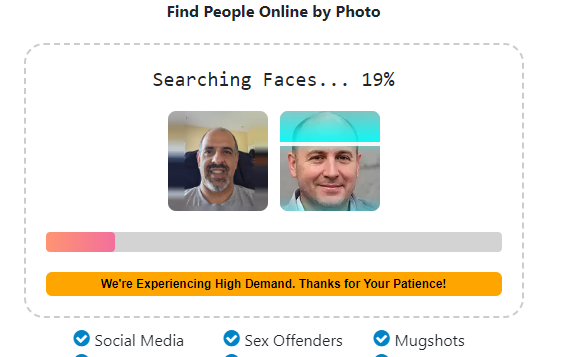
2023-07-28 13_02_40-FaceCheck - Reverse Image Search - Face Recognition Search Engine

When this was done, I get some great results. With rankings.
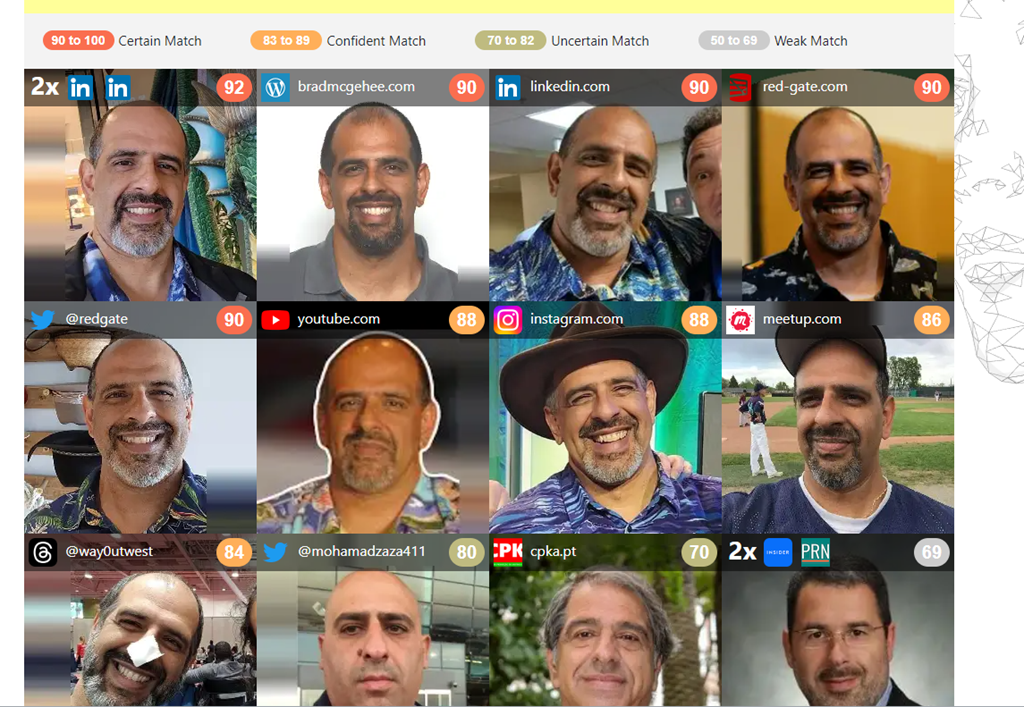
2023-07-28 13_03_16-FaceCheck - Reverse Image Search - Face Recognition Search Engine

The lower ones clearly aren’t me, and the rankings are in the 60s, though the lower left ranks a 68 and that is me. The lower ones made me laugh a bit. Do I look like these?

2023-07-28 13_04_29-FaceCheck - Reverse Image Search - Face Recognition Search Engine

Privacy Concerns and the Future

I don’t know where this will go, but more and more people are being captured in images and uploaded to the Internet. Even if you don’t do this yourself, if you go to public places, especially while traveling, who knows if someone taking their own photo will capture you and upload your image.

Certainly many governments and even private companies do this, though often their results aren’t uploaded to the public Internet. Not that they aren’t or that those images are safe, but hopefully those aren’t easily searchable.

I don’t know how we get around things, but I do like that lots of companies don’t want to allow AI bots to search their content and are limiting API access. I appreciate that in this case.

Conclusion

Looking for someone is interesting and I was surprised both how hard it was and how easy.

If you haven’t looked for yourself, give it a try. I wonder what you find.

Posted in Blog | Tagged , , | Comments Off on Searching for People

Republish: Code Building Code

Today is a Redgate event in Pasadena and I know the day will get away from me. Since I can’t manage the site or respond, you get a republish of Code Building Code.

Posted in Editorial | Tagged | Comments Off on Republish: Code Building Code

Fill Out The State of the Database Landscape Survey and Maybe Win

If you’re like me, you sometimes wonder how different other environments are from the one I work in. Well, the ones I used to work in. These days I see lots of customers environment, build PoCs, and help them solve problems, but I don’t have much of an environment for myself.

We’re taking responses for the State of the Database Landscape survey. http://rd.gt/survey Share your thoughts on platforms and what your org does. This survey is

I’m trying to get Redgate to offer some prize, but I’ll do one from my SQL Server Central budget (if I can slip it in). I’ll get a list of responses and pick 4 people from those that leave their name and email at the end. You have to fill out the survey and share the link on socials somewhere.

Spread the word, and you send me a link of where you’ve shared the contest (LinkedIn, FB, Twitter, Thread, etc.) then I’ll add an extra entry in my contest for each share. I’ll pick people who fill out the survey and have shared it and send each a USD$25 Amazon GC (or Starbucks or other major brand).

Posted in Blog | Tagged , , | 1 Comment

Decrypting Stored Procedures The Cumbersome Way

I had a client that was struggling with some encrypted stored procedures. They needed to decrypt them, which I know is a pain in the #@$%@#$@#$#@. I had to do this one. This post shows how I sent them some code to do this.

Note, SQL Compare 15 does this easier and simpler. If you own it, I’d use that instead. A future post will show how easy that it.

Setup

I tested this on SQL Server 2017/2019/2022. I don’t have older instances handy, so I can’t verify that for those. However, I ran this code in databases on each instance:

CREATE OR ALTER PROCEDURE dbo.DecryptionTest
WITH ENCRYPTION
AS
SELECT 2 AS Two;
DECLARE @i INT = 1;
IF @i = 2
   SELECT 3 AS Two;
ELSE
   SELECT 2 AS Two;
GO
CREATE PROCEDURE [dbo].[DecryptionTest2]
WITH ENCRYPTION
AS
   SELECT 2 AS Two;
GO

I had shown how to detect these are encrypted in a previous post.

Decryption

I had initially sent the client these links, since I was sure they’d worked at one point. I thought that SQL Server 2000 and earlier had a different algorithm. Don’t quote me on that and there’s so much Google-noise, I can’t verify this.

Those links don’t work, and I can only guess that either I had used different procs or these were edited.

In any case, I found a gist here: https://gist.github.com/jstangroome/4020443

This has code that does work. I ran this on my instances, and I got similar output to this on all instance:

2023-07-21 12_54_19-SQLQuery3.sql - ADMIN_ARISTOTLE_SQL2017.Compare2 (ARISTOTLE_Steve (53))_ - Micro

I didn’t clean this or try to extract the value from the XML, but for the client this worked.

It’s not the cleanest or best way, but it does decrypt the procs I’ve created.

Posted in Blog | Tagged , , | 1 Comment
